01
Arrange the tools around the task
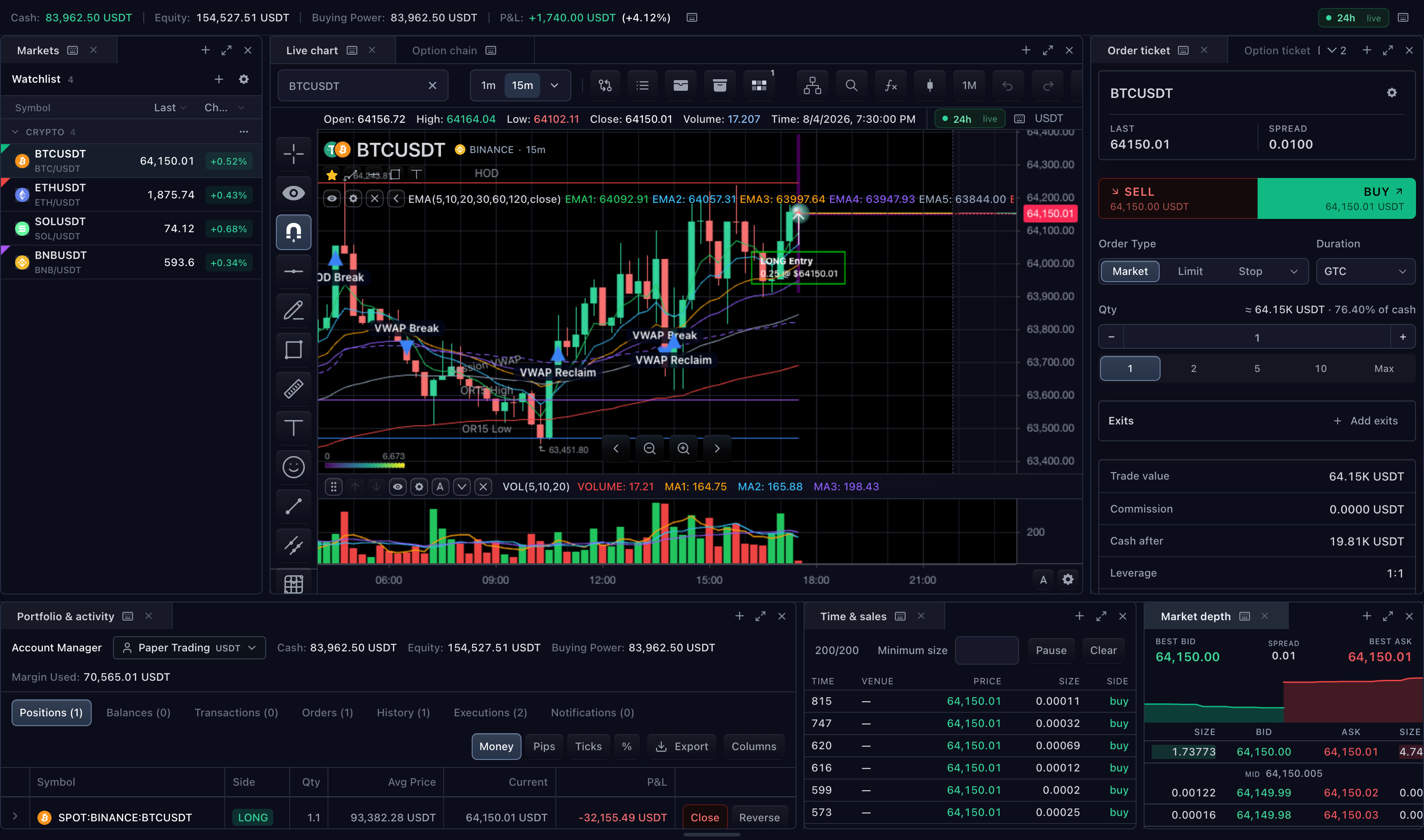
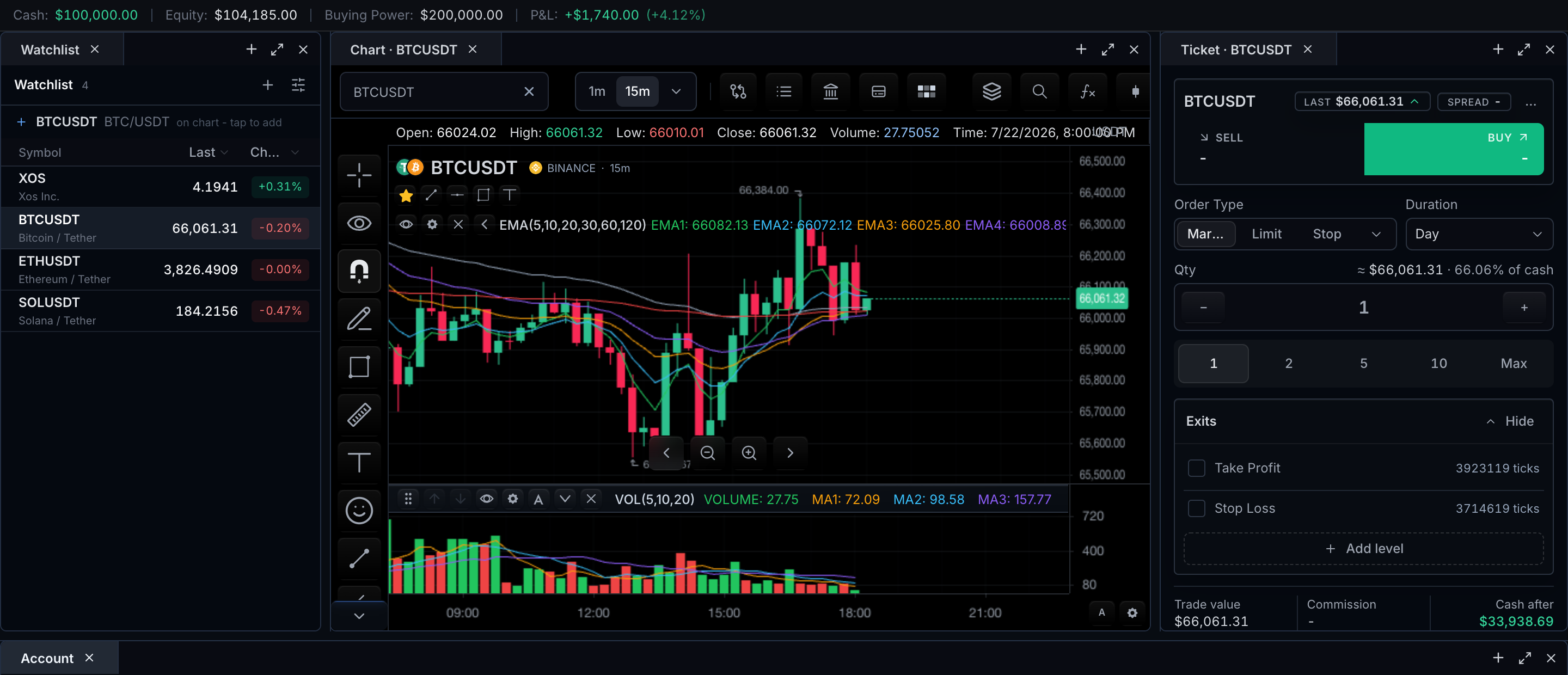
Add, move, tab and resize panels to build a useful desk. Maximize a surface for detailed work, then return to the broader arrangement.
02
Register the widgets your product supports
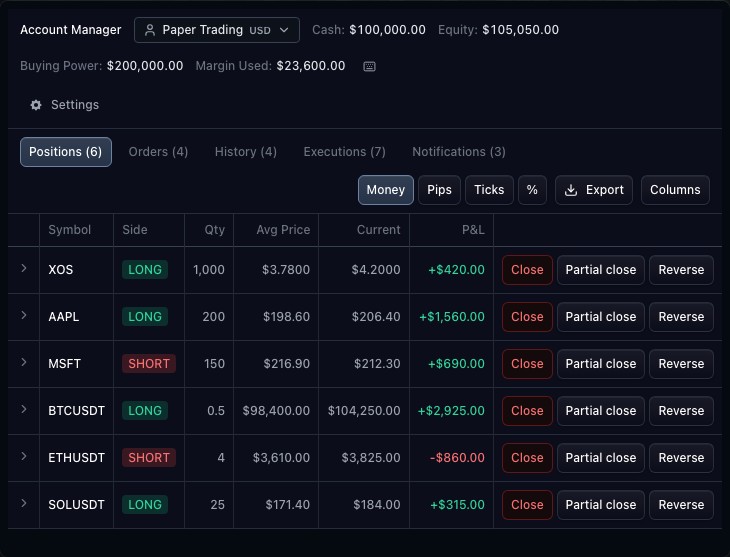
The host owns the available widget registry. The container manages panel placement; the chart, ticket and other tools retain their own controllers and capabilities.
03
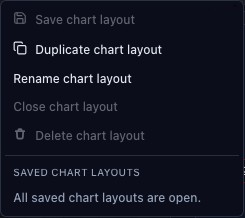
Save arrangement separately from chart state
Panel layout and inner chart layout are distinct state. Persist both through the appropriate host integrations when a user needs the full workspace restored.
How to use dockable widget layouts
- Open the widget-layout demonstration.
- Inspect panel tabs and available layout actions.
- Resize a boundary or maximize a panel.
- Restore the panel and compare the workspace arrangement.
Data behind this view
Requires a host widget registry. Each widget needs its own data integration; durable arrangement storage belongs to the host.
Common questions
Can I include custom widgets?
The host registry defines the widgets available to the container.
Does saving the layout save every chart automatically?
Panel arrangement and chart configuration are separate state and need their respective persistence integrations.