01
Follow an instrument across tools
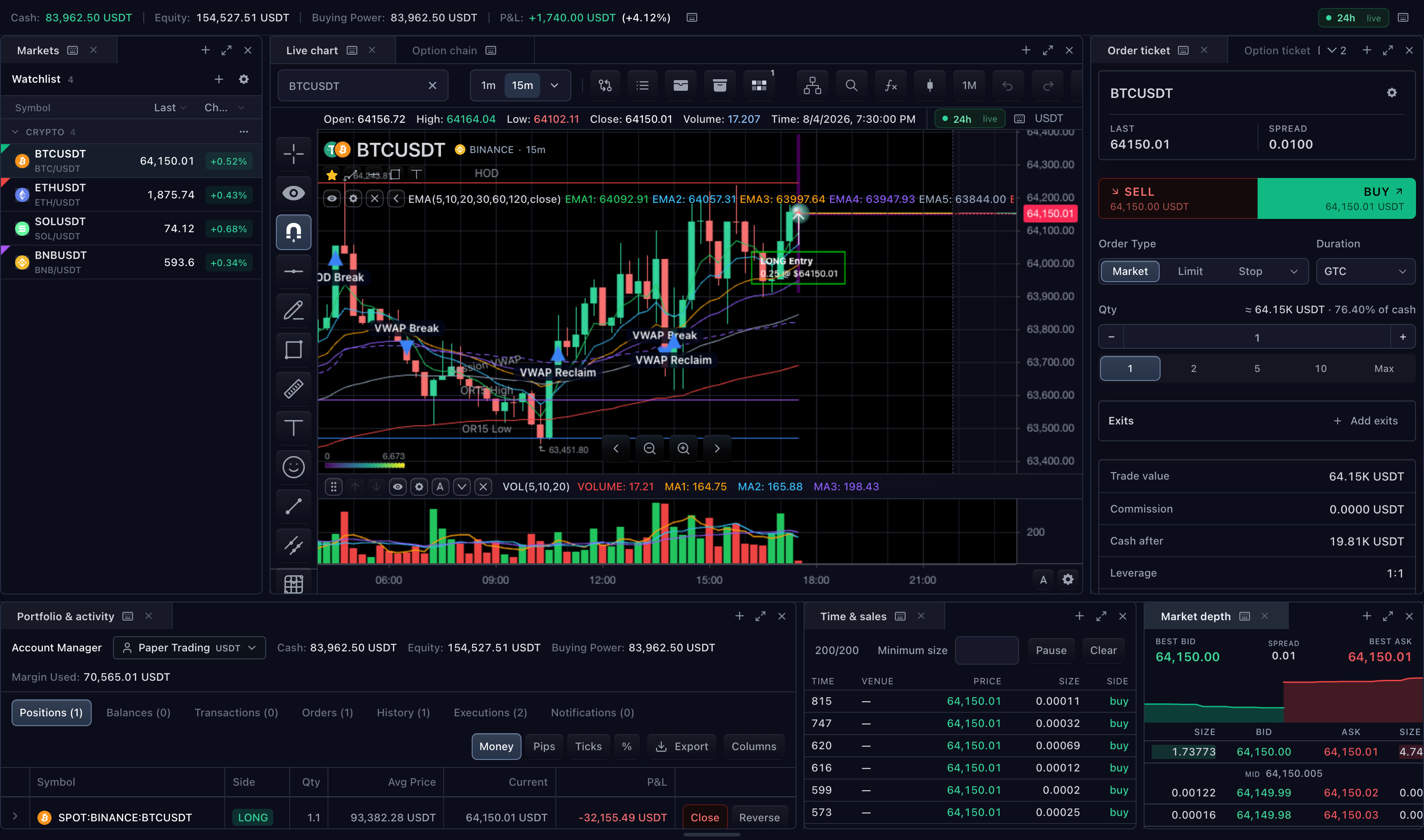
A selected market can connect chart analysis, quotes and order entry. Shared controllers preserve instrument and account context as users move between surfaces.
02
Keep trading state consistent
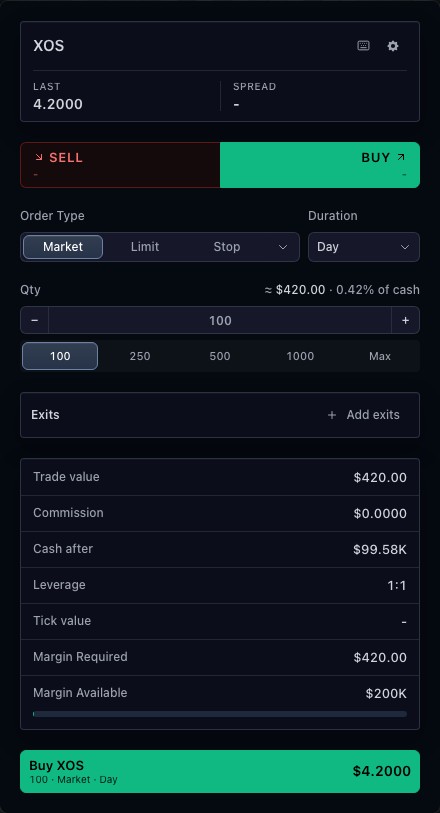
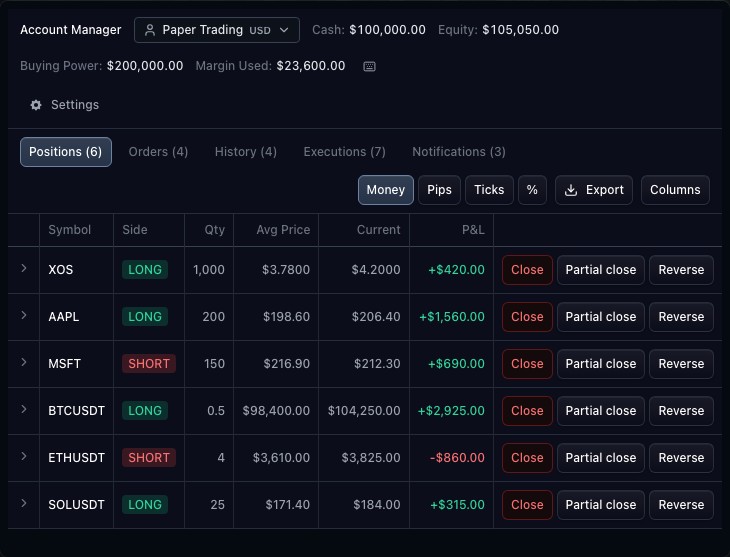
The broker owns orders, positions, executions and account values. Tickets submit drafts through that integration; account views display the resulting state. The public terminal uses paper trading.
03
Build the product around your customers
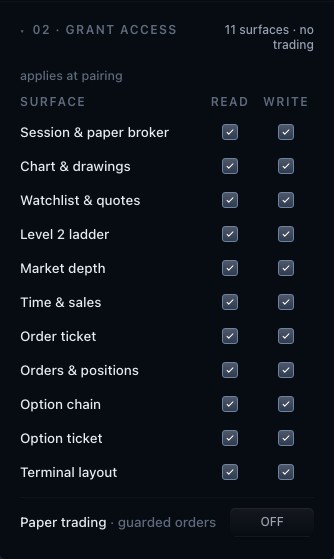
Choose enabled widgets, layout, styling, storage and broker capabilities for your application. Chart-aware agent integrations are an additional surface with explicit access grants rather than implicit permission to trade.
How to use trading terminal
- Open the terminal demonstration.
- Choose a market from the watchlist.
- Inspect the chart, order ticket and account panel together.
- Review the available layout controls and paper-trading labels.
Data behind this view
Requires chart and market-data integrations, a broker adapter for trading, and host-owned permissions and storage.
Common questions
Is the public terminal a live brokerage account?
No. Its trading demonstration uses a paper broker.
Can I connect my own broker?
Yes. The broker adapter supplies supported account, order, position and execution contracts.