01
Start with chart context
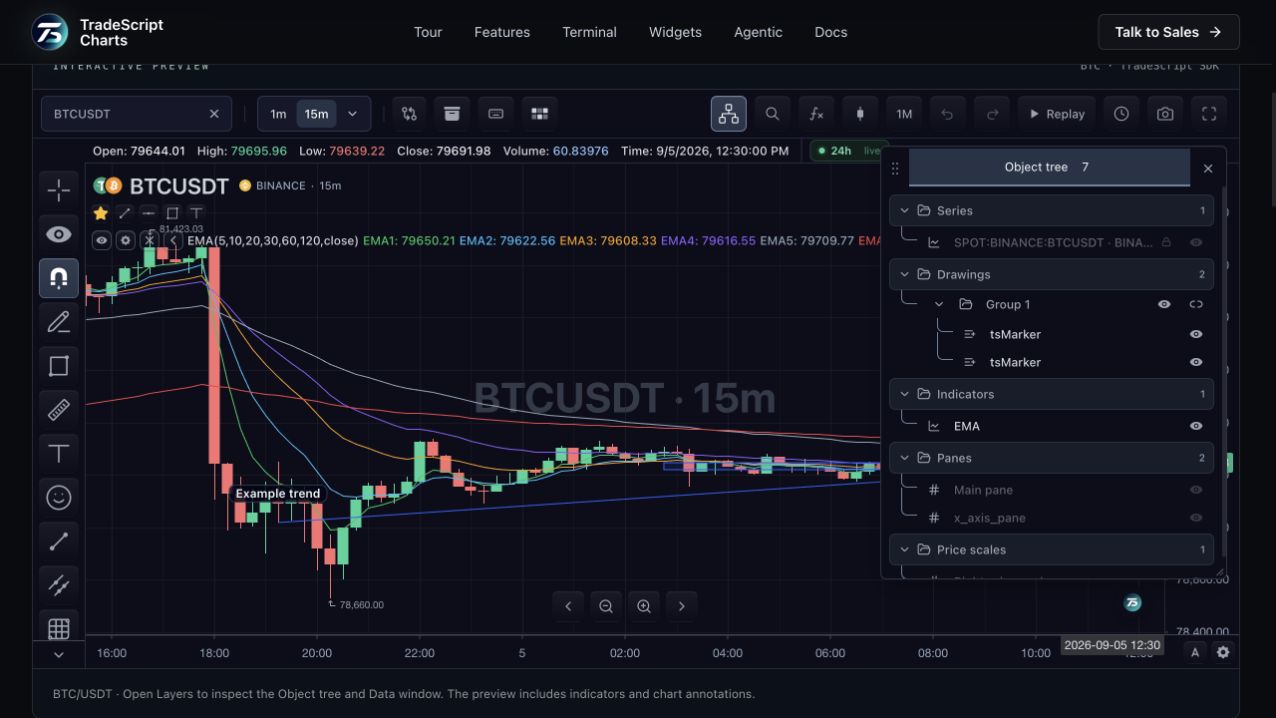
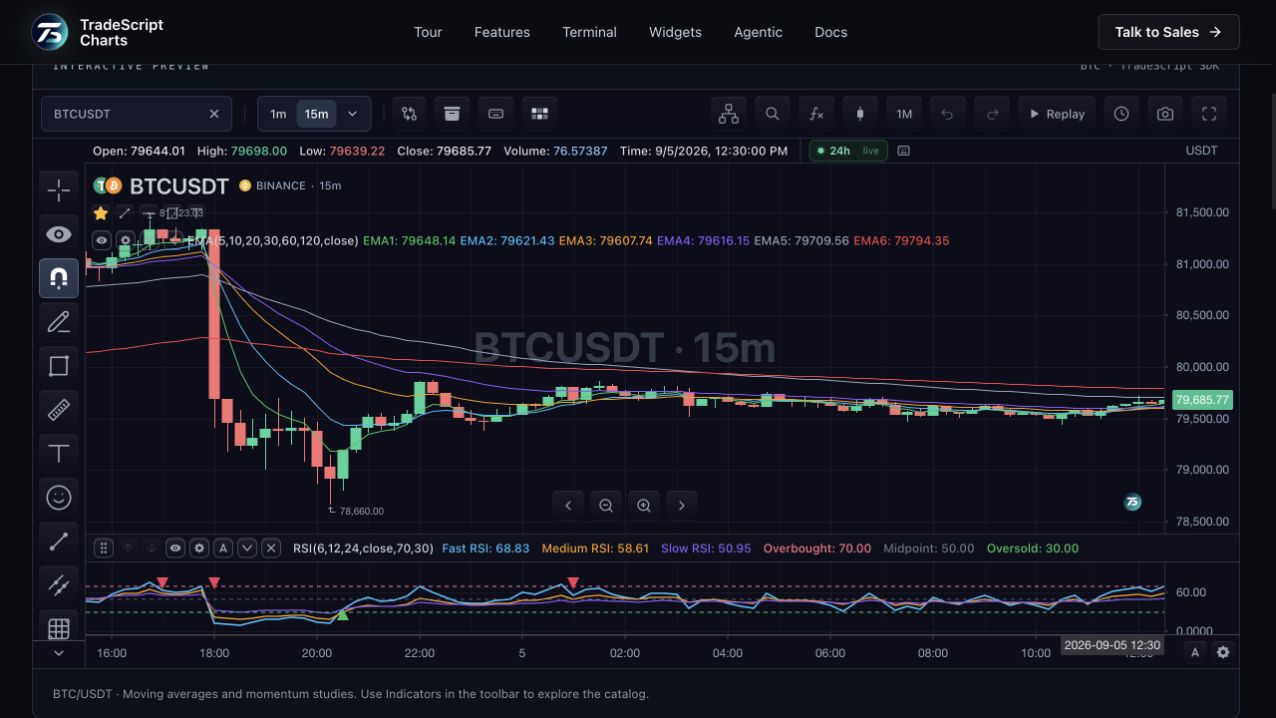
An agent needs the active symbol, interval and available chart capabilities before choosing an action. TradeScript MCP connects clients to a session and exposes typed chart tools and resources. This lets an integration work with actual chart state instead of relying only on an image of the screen.
02
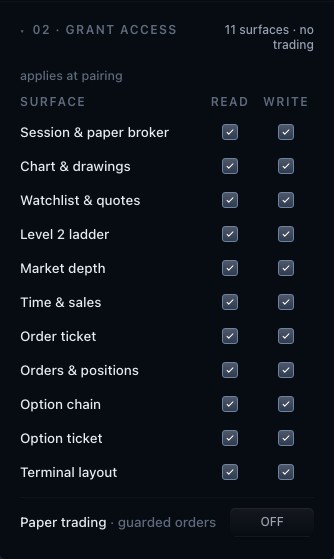
Let the host define access
The application owns pairing, session access and tool authority. Reading a chart and changing it are different capabilities. A connected session should receive only the operations granted by the host, and the integration must handle revocation and closed connections.
03
Check the resulting state
A useful agent workflow ends with evidence of what happened on the chart. Host-reported outcomes let the interface distinguish a requested action from a completed change. The full workspace exposes connection controls and activity so users can inspect the interaction.
How to use chart agents
- Inspect the BTC chart context here.
- Open the agent workspace to create a connection.
- Grant the intended tools and inspect action results in the workspace.
Data behind this view
Requires a configured MCP integration and host-owned access grants. Model availability and external client setup depend on the deployment.
Common questions
Does every agent get trading permission?
No. The host owns grants and separates chart access from trading authority. A connection is not blanket permission to execute trades.
Can I use my own agent client?
Use the documented MCP client configuration and deployment contract to connect a supported client to an authorized session.