01
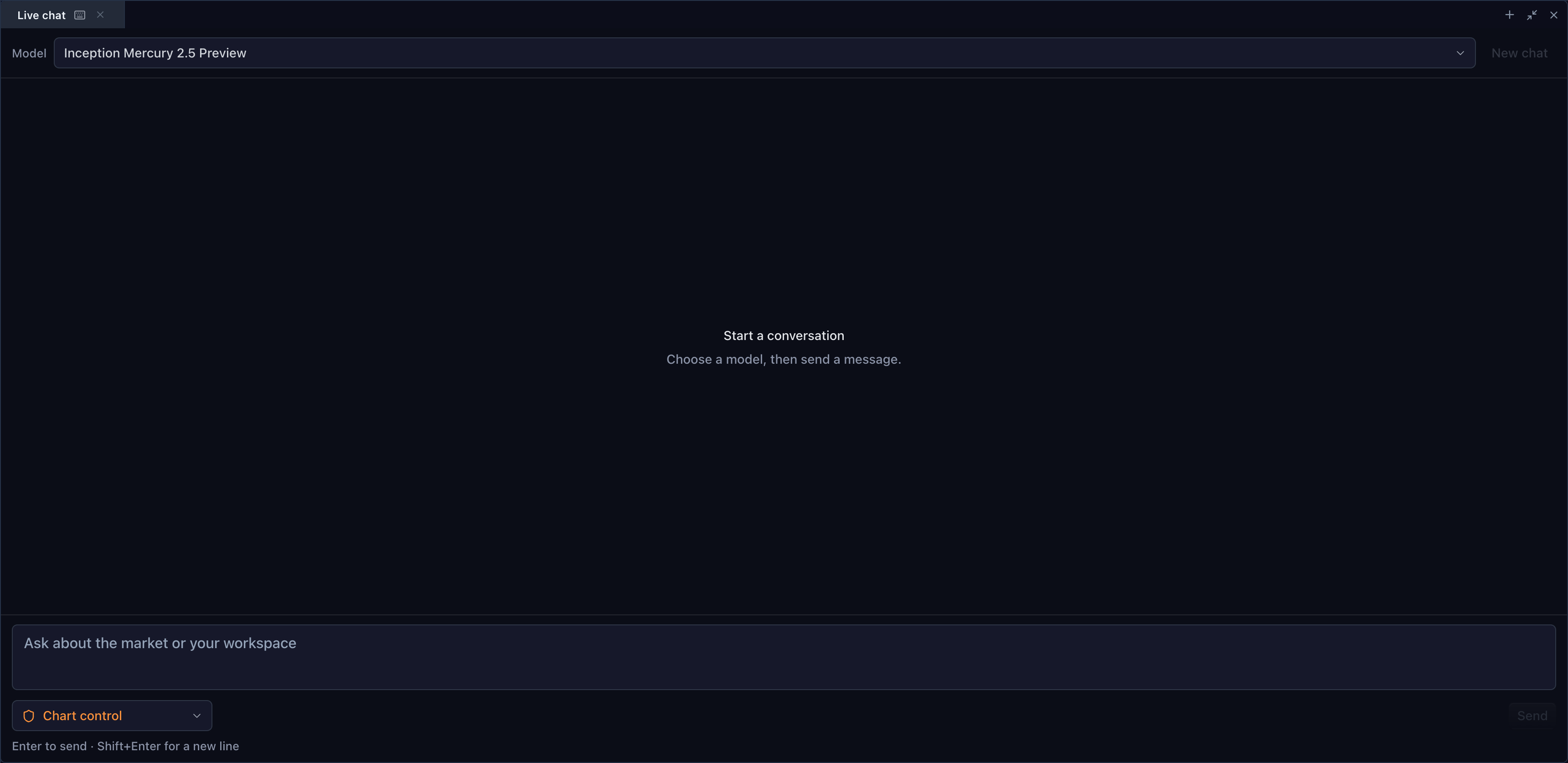
Connect a provider, keep the product experience
The chat widget is a UI and integration surface. The host supplies model discovery and the provider transport, with credentials kept in the backend. Available models and responses depend on that configured service rather than being guaranteed by the chart renderer.
02
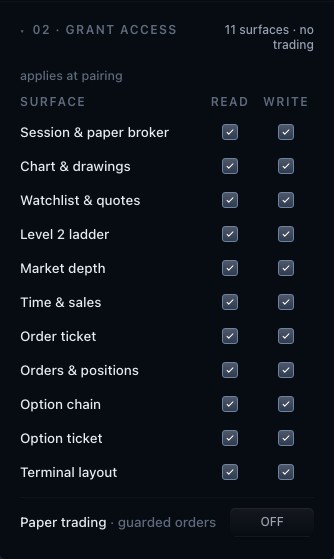
Authorize tools explicitly
Chart-aware chat can use the tools that the host exposes to the session. Read access and action authority are configured separately. A model response alone is not evidence that the chart changed; action results come back through the tool and host integration.
03
Make the conversation inspectable
Keep messages, tool activity and resulting chart changes close together so users can understand a workflow. The full TradeScript agent workspace combines the chart, chat and connection controls. A deployment can adapt those surfaces to its own product and access policy.
How to use agent chat
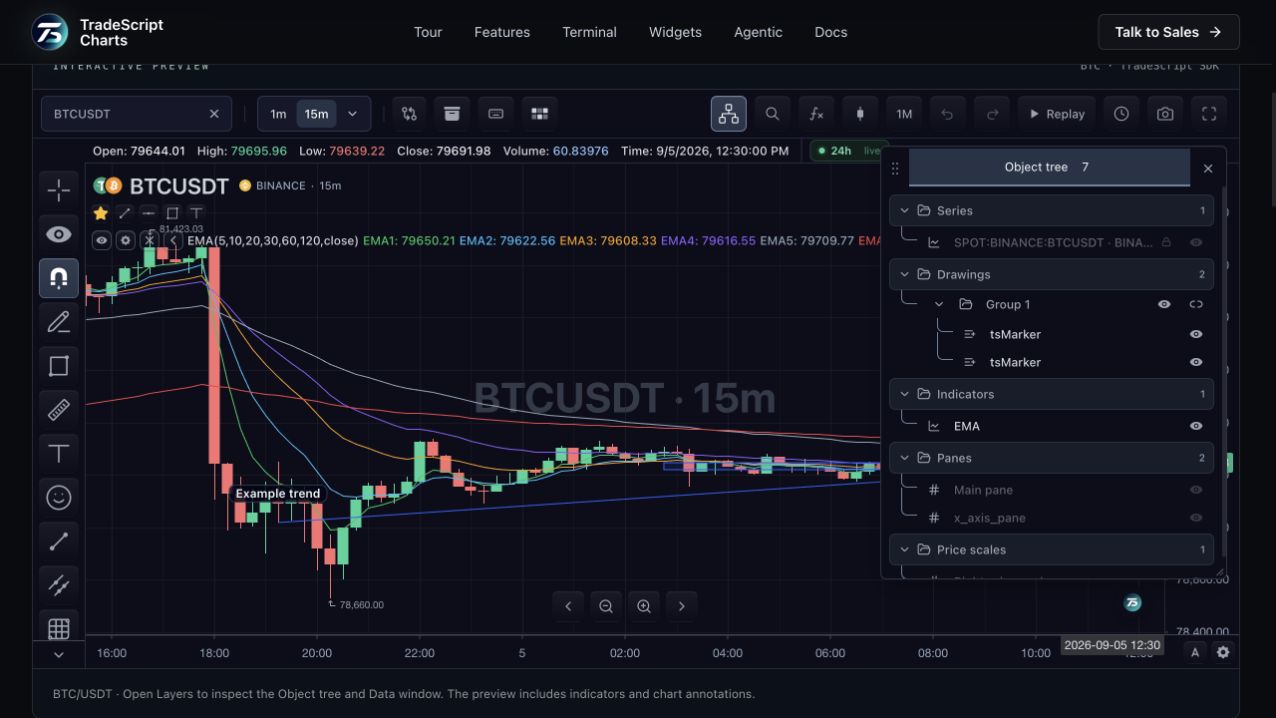
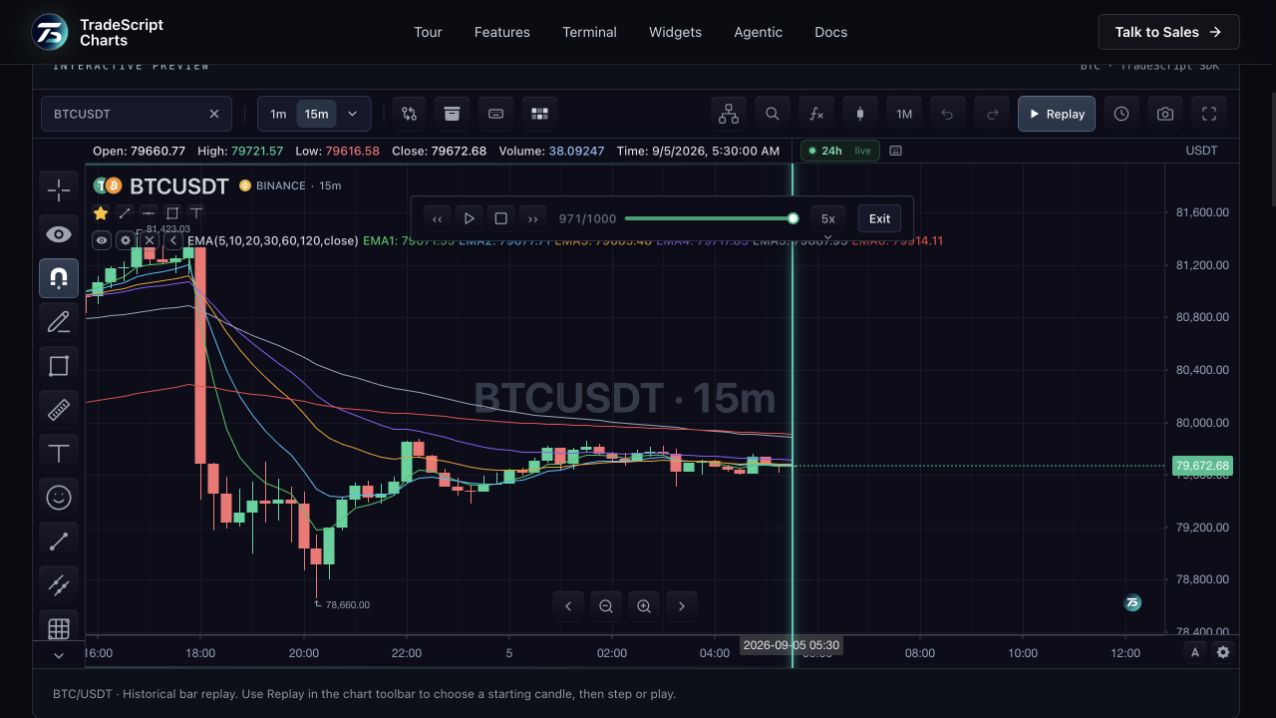
- Explore the BTC chart preview.
- Open the agent workspace and select an available model.
- Use an authorized chart tool and inspect the resulting action.
Data behind this view
Requires an Agent Chat provider, model discovery and host-configured tool authority. Provider availability and usage costs belong to the configured backend.
Common questions
Is a model included in the chart renderer?
No. The host connects a provider and supplies model discovery. The chart widget renders the conversation and integrates authorized tools.
Can chat change the chart?
It can request changes through tools explicitly granted by the host. The host reports whether each action completed.