01
Control the pace of a review
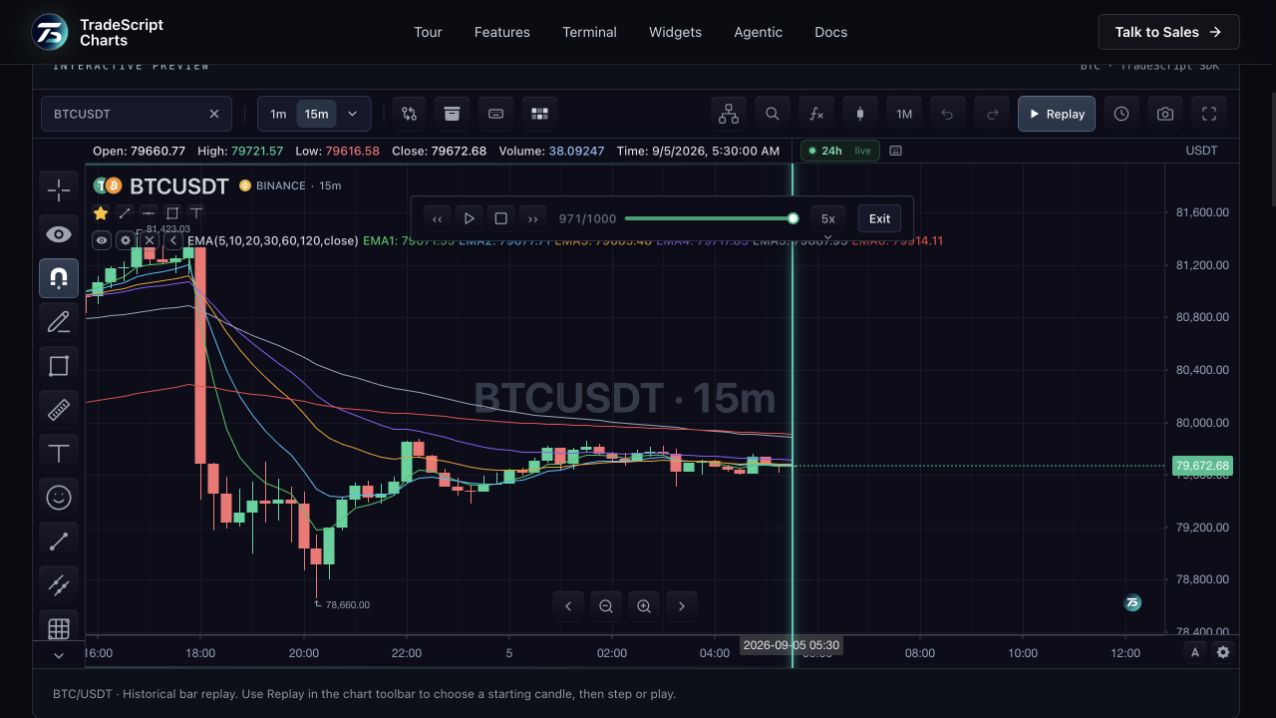
Choose a start bar, pause, step in either direction or play at a selected speed. The replay controller owns the cursor and reports its current state, so an application can build consistent controls around the same session. Playback stops at the end of the captured series.
02
Keep the review inside the chart
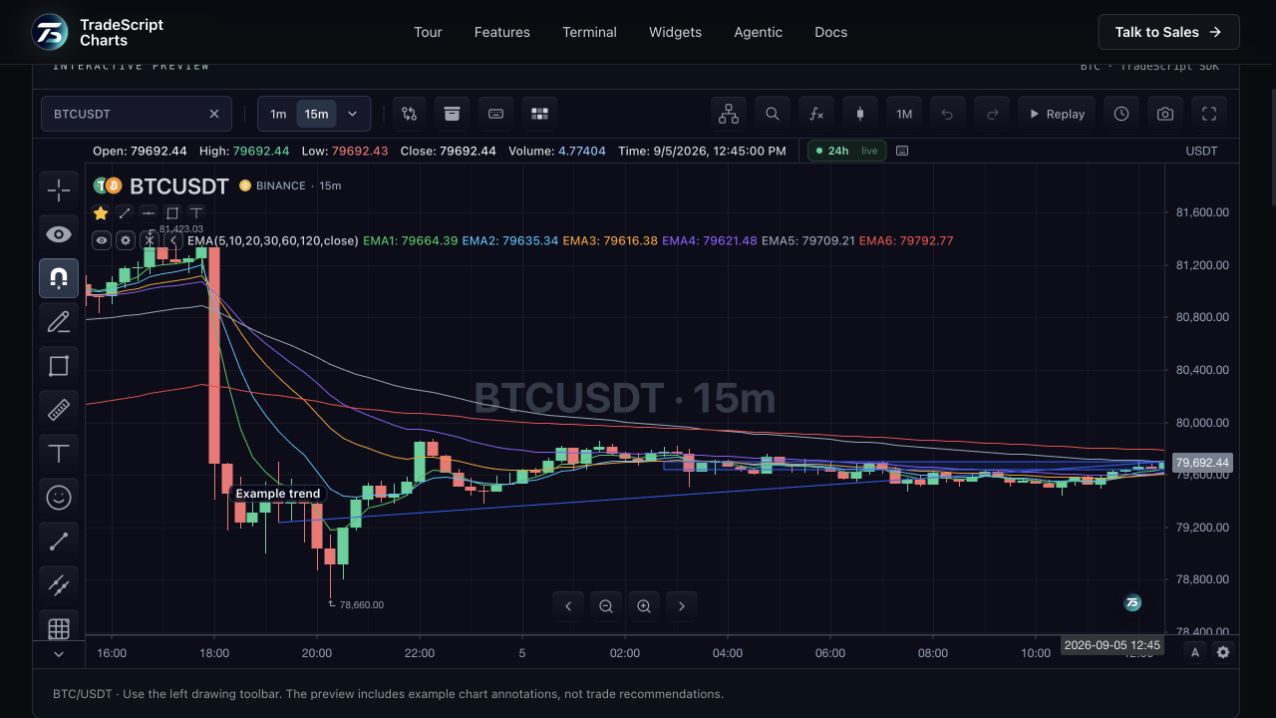
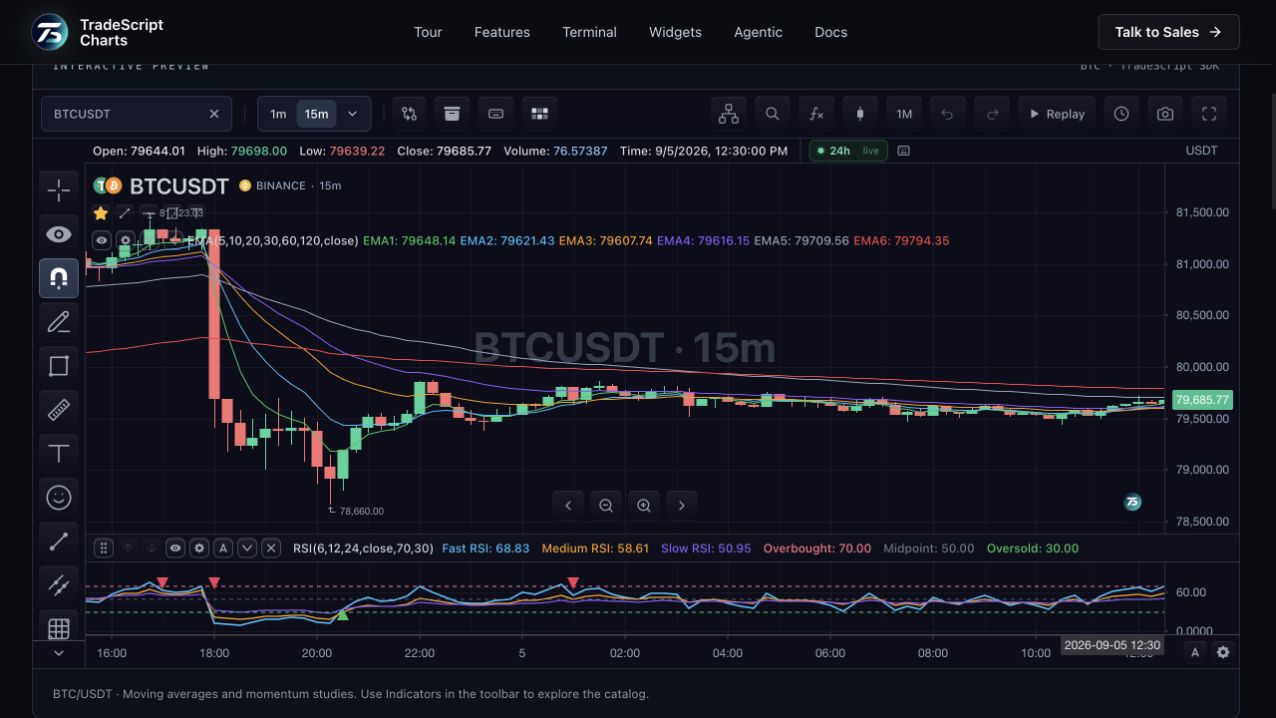
Use the familiar price scale, drawings and indicator controls while inspecting historical price action. A host can save replay state through its storage adapter and bring a user back to a prior review. Replay is useful for chart study and product demonstrations; it does not establish future strategy performance.
03
Return cleanly to live data
A replay session captures the loaded bar series so incoming live updates do not shift its bar indices. Exiting releases that session and returns control to the live chart. The available starting range is the history that the chart has loaded.
How to use bar replay
- Select Replay in the toolbar.
- Choose a historical starting bar.
- Step through bars or play, then exit to return to live.
Data behind this view
Requires historical OHLCV bars loaded into the chart. Bar replay is not a reconstruction of every historical tick or order-book event.
Common questions
Can I change playback speed?
Yes. The replay controls support playback speed, pause, stepping and jumping within the captured series.
How far back can I replay?
Replay uses the bars already loaded into the chart. Your history feed and the loaded range determine the available start dates.