TradeScript order ticket: configure a limit order
A recorded walkthrough of selecting Limit, changing quantity and opening exit controls in the paper order ticket. No order is submitted.
Walkthrough transcript
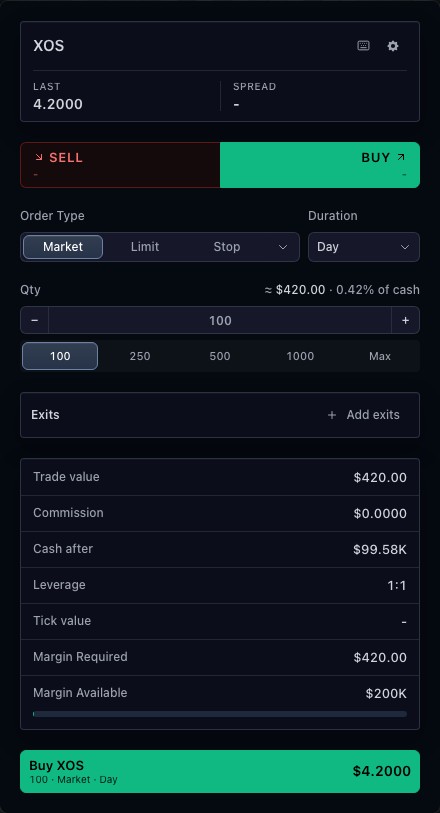
- Start with the paper order ticket. The selected instrument is XOS.
- Select Limit to expose the limit-order price controls.
- Choose 250 shares and review the changed order summary.
- Open Add exits to inspect exit configuration. Review the draft before submitting; this recording stops before placement.
01
Review the draft before submitting
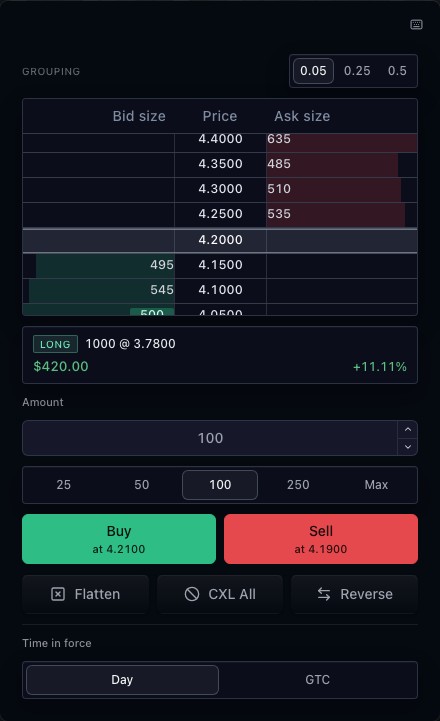
Price, quantity, duration and exits belong to one order draft. Market, limit and stop controls let a user express the intended execution. Preview and validation depend on the broker integration; the available controls follow its declared capabilities.
02
Connect the ticket to the rest of the workspace
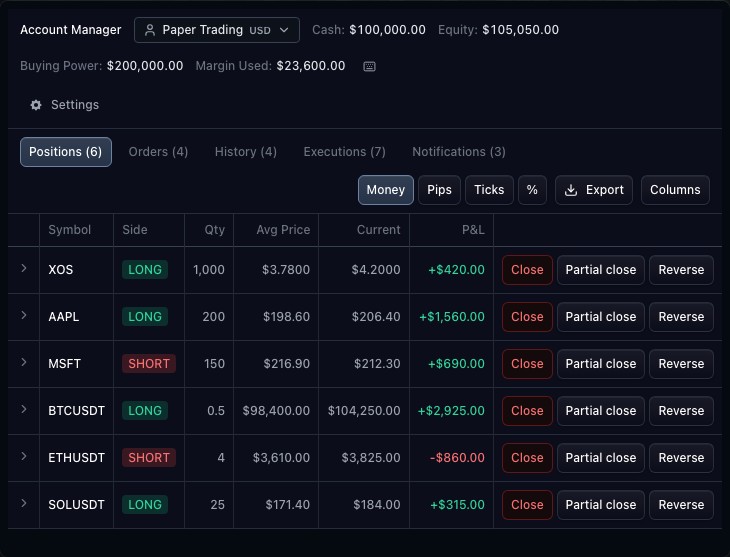
The chart, ticket and Account Manager can share one trading controller. Once the broker publishes an order or position update, the connected surfaces display that authoritative state. An accepted submission is separate from a fill.
03
Build for the markets your broker supports
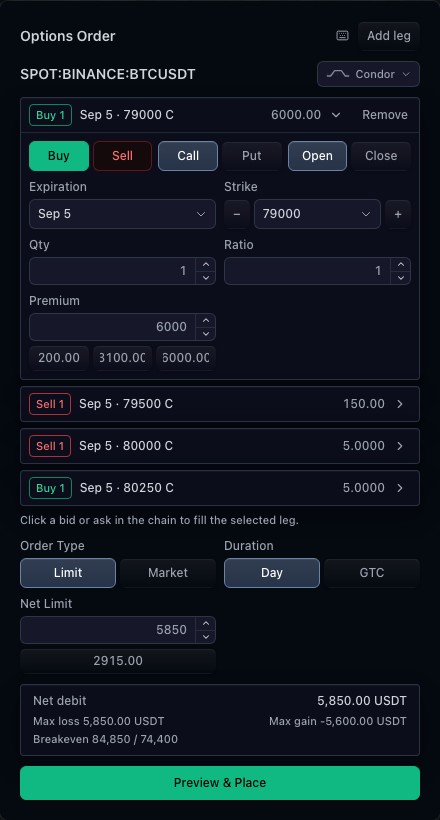
Resolve the instrument through the market-data integration and carry its identity into the ticket. Quantity steps, price increments, supported durations and exit rules come from the broker. Options and prediction markets have separate tickets for their contract and outcome structures.
How to use order ticket
- Open the order-ticket demonstration; it uses simulated execution.
- Select Limit and inspect the price, quantity and duration fields.
- Change the quantity and review the displayed trade value.
- Explore exit controls when available; review the draft before using the submit control.
Data behind this view
Requires a broker adapter, supported account and instrument rules. The public walkthrough uses a paper broker and example prices; it does not place real orders.
Common questions
Does TradeScript execute trades itself?
The ticket sends a draft through your broker adapter. The broker owns validation, placement and execution state.
Can I customize order entry?
Yes. The integration supports broker-declared fields, rules, order types and ticket configuration.