01
Read the book by price
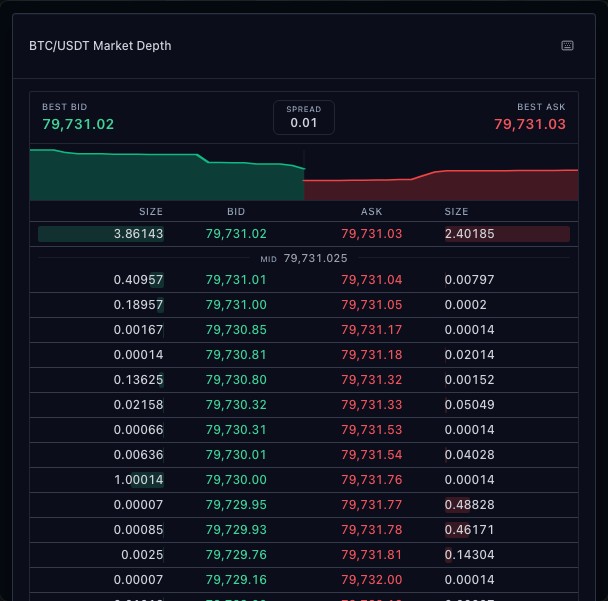
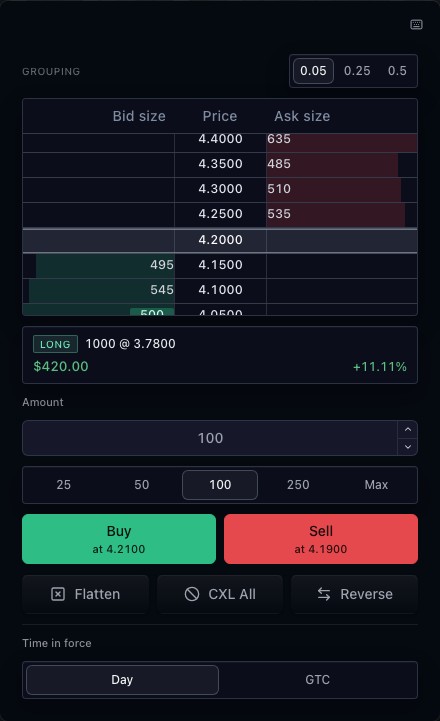
Bid and ask sizes sit beside their price levels. The ladder centers the view around the current market and supports price grouping. The displayed depth depends on the connected Level 2 feed.
02
Keep order actions beside the market
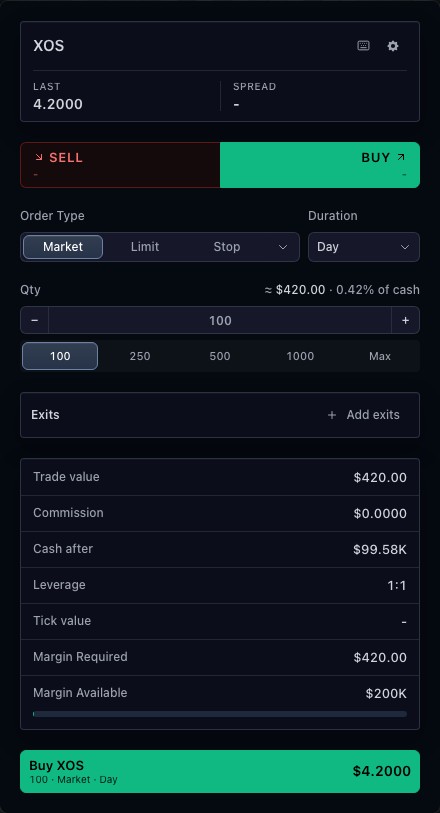
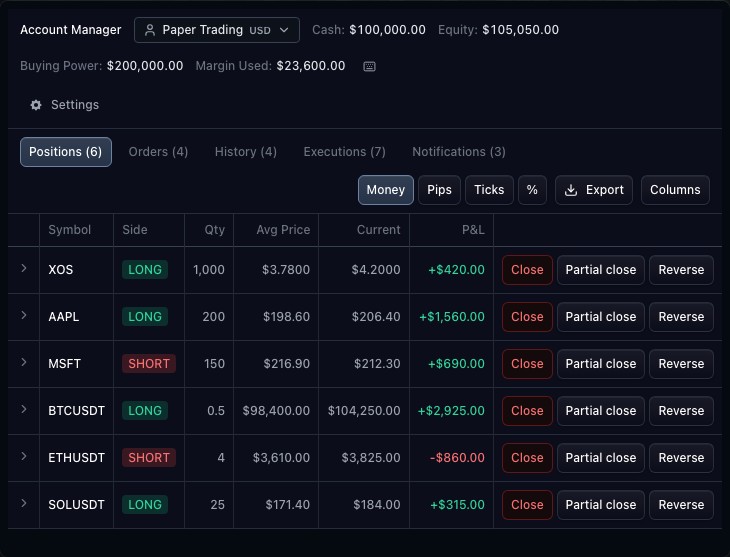
Quantity and duration controls define an order before a trader acts on a price or uses the market controls. Working orders and positions remain connected to the broker state. Cancel and position actions are available only when supported by the integration.
03
Separate liquidity from execution
Visible depth describes resting orders, not a promise of execution. A broker validates the order and reports what actually happened. The public demonstration uses simulated depth and a paper account to illustrate the controls.
How to use depth ladder
- Open the depth-ladder demonstration.
- Locate the bid, ask and current price rows.
- Inspect quantity and time-in-force controls.
- Compare the ladder with the read-only market-depth widget.
Data behind this view
Requires market depth and a trading controller. Execution capabilities and permissions come from the broker.
Common questions
Is this the same as a market-depth table?
The ladder combines depth with trading controls. The market-depth widget focuses on reading the book.
Can it show real orders?
Yes, when your broker adapter supplies working orders and supports the relevant trading actions.