01
Compare bids, asks and spread
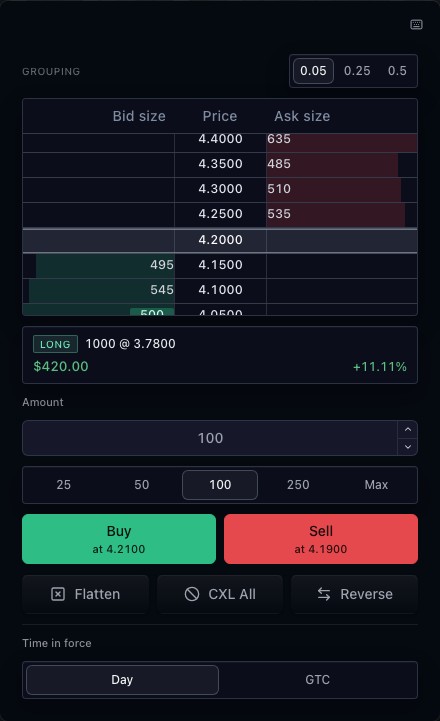
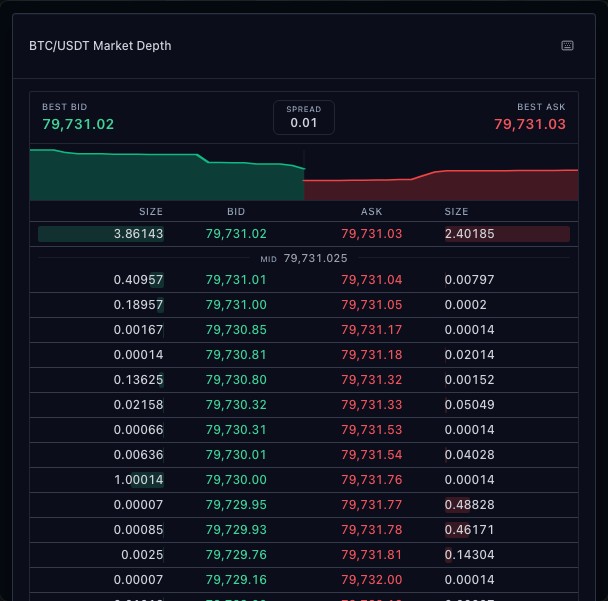
Rows group resting size by price on each side of the book. Best bid, best ask and midpoint supply immediate price context. Visible levels are bounded by the feed and widget configuration.
02
Follow updates from one controller
Snapshot and streaming depth use the market-data controller. Updates maintain the book displayed by the widget. A venue column and price and size formatting can reflect the source instrument.
03
Distinguish depth from the trade tape
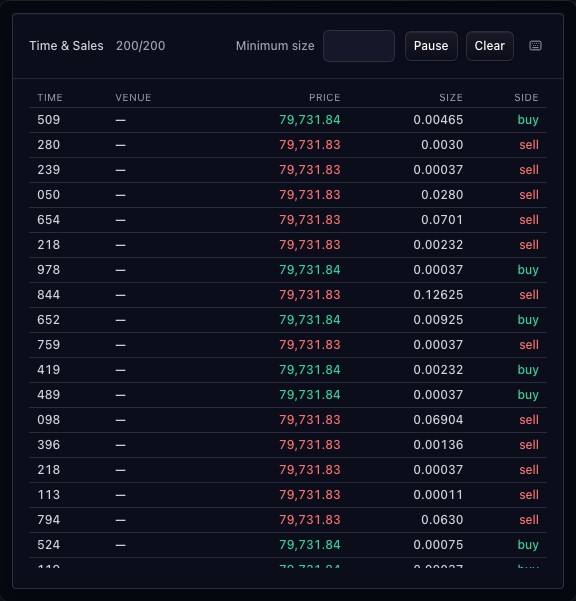
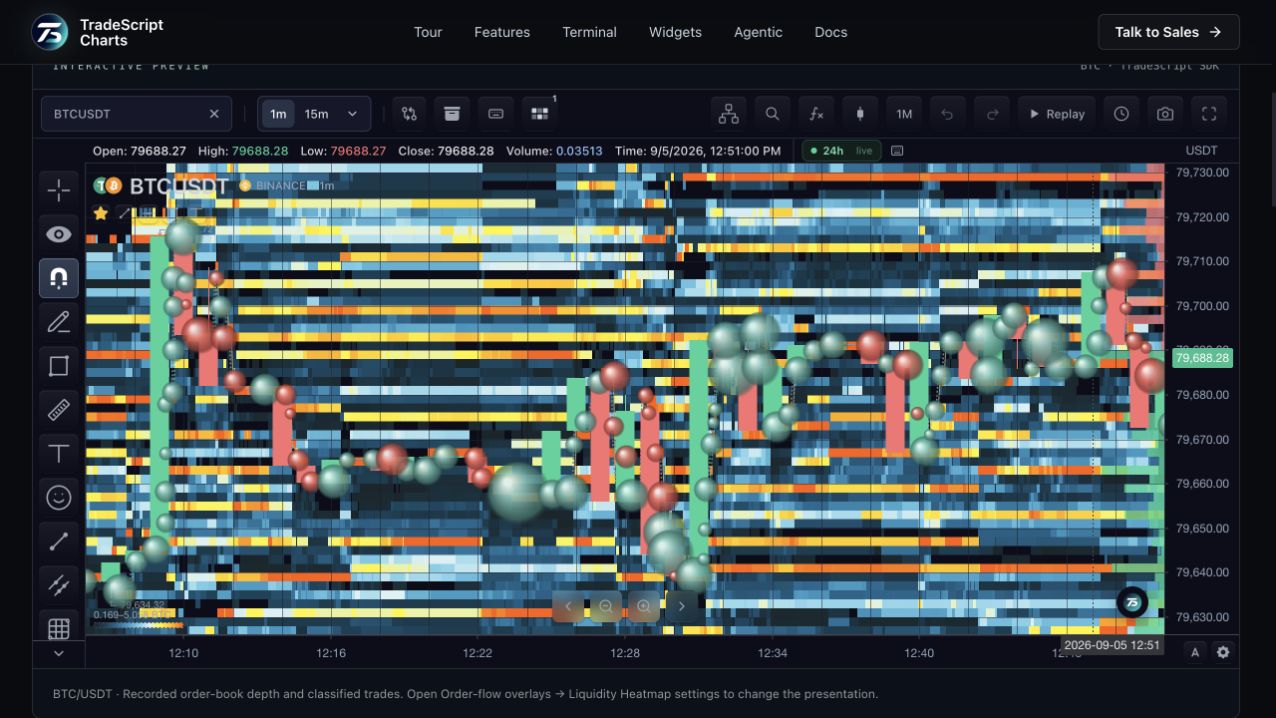
The book shows orders waiting at prices. Time & Sales shows executions, while a liquidity heatmap adds recorded depth through time. Each view requires its own source data.
How to use market depth
- Open the market-depth demonstration.
- Locate best bid, best ask and the spread.
- Compare resting size on either side.
- Watch updates and compare the view with Time & Sales.
Data behind this view
Requires Level 2 snapshots and, for live updates, a depth subscription.
Common questions
Is visible size guaranteed to trade?
No. Resting orders can change or be cancelled before execution.
Does candle data contain market depth?
No. The integration needs a separate order-book feed.