TradeScript Time & Sales: pause and filter the tape
A recorded demonstration of reading BTC trade prints, pausing the tape, filtering minimum trade size and resuming.
Walkthrough transcript
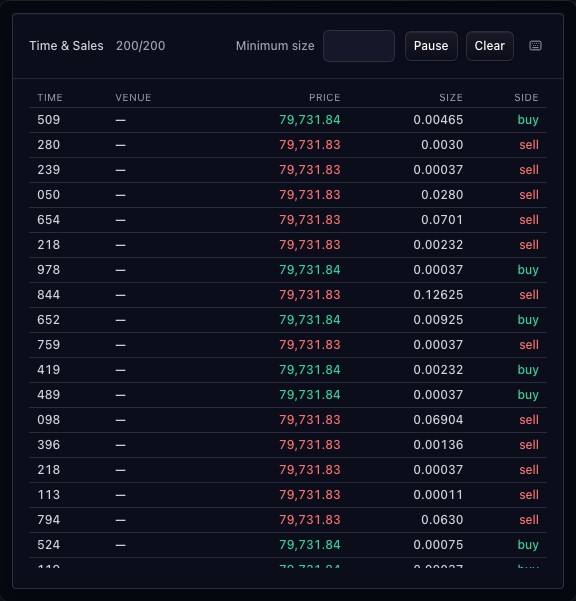
- Read executed trades by timestamp, price, size and side.
- Pause the tape to inspect the current rows.
- Set minimum size to 0.1 to focus on larger prints.
- Resume the tape. Filtering changes the displayed rows, not market activity.
01
Read each print in context
Rows retain trade timestamps, prices and sizes. Venue and side appear when the source supplies them. Buy/sell classification follows the feed; the widget does not infer every aggressor from candle direction.
02
Pause and filter the tape
Pause the displayed stream to inspect a sequence, resume to continue following it and use the minimum-size control to narrow the visible prints. Clear removes displayed rows; it does not cancel exchange trades.
03
Share the execution source
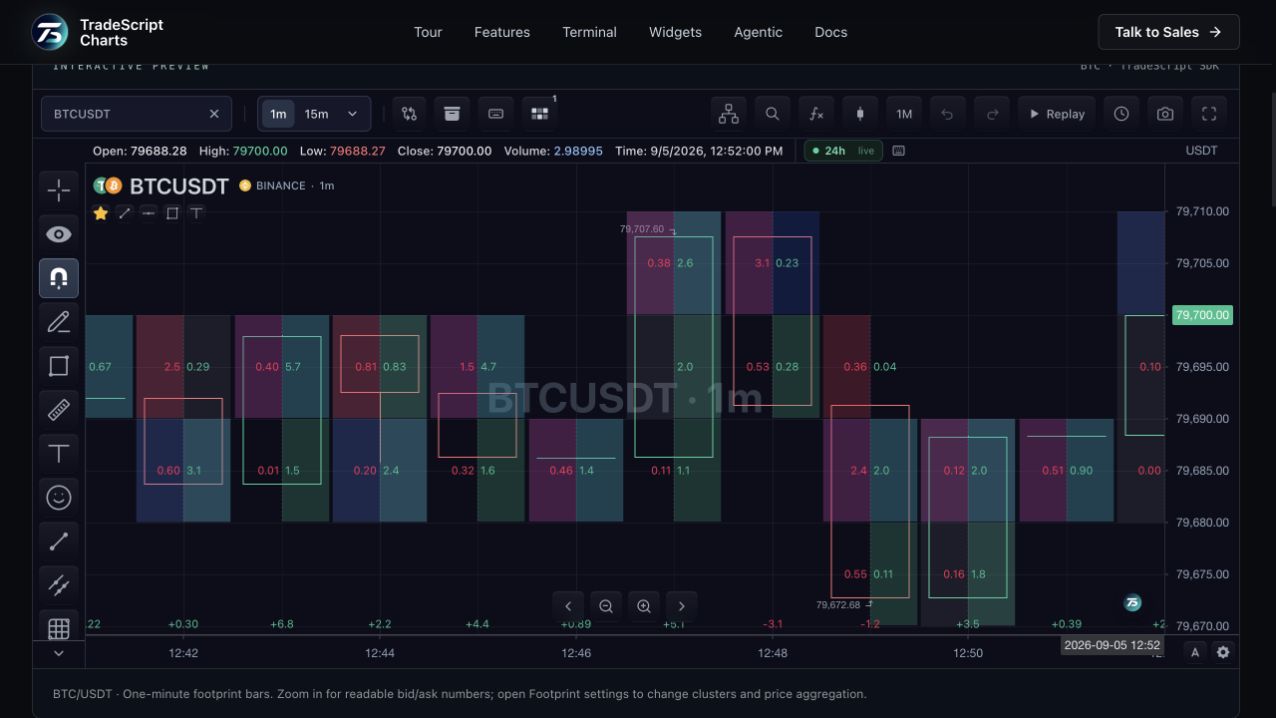
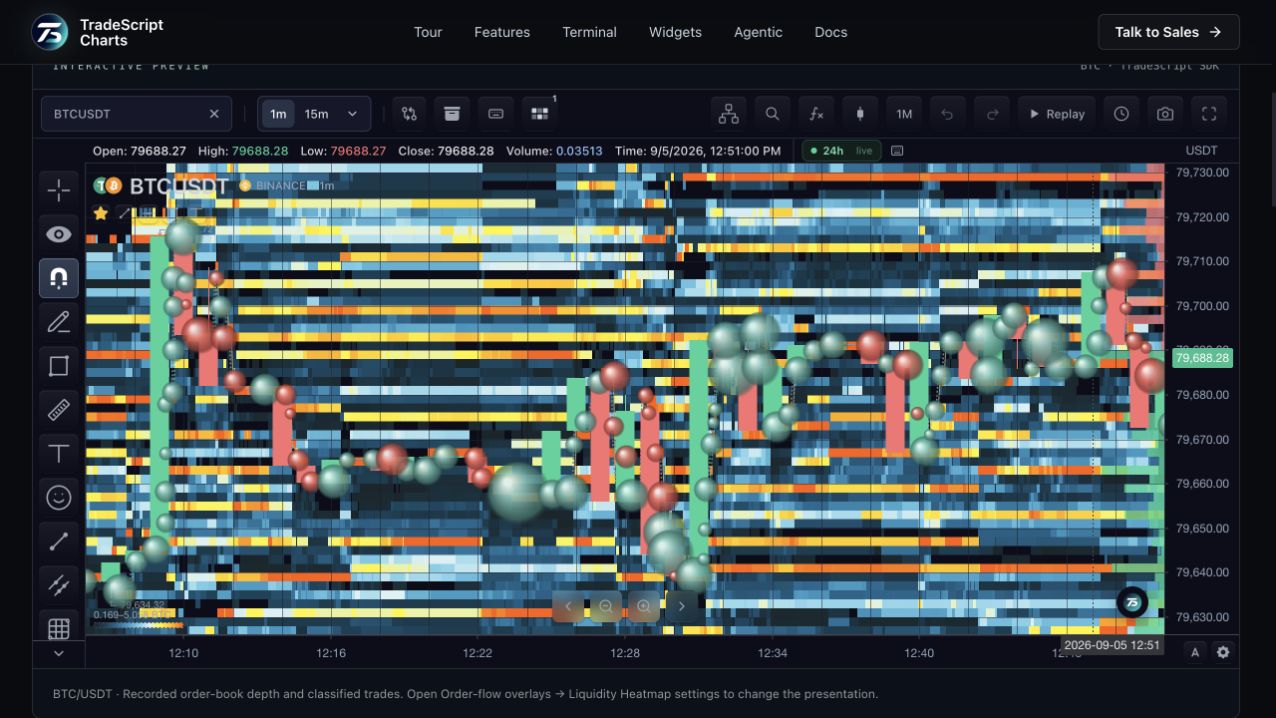
Historical and live prints use the same market-data contract. A host can use classified executions for related footprint and trade-bubble displays when it supplies the necessary history and aggregation.
How to use time & sales
- Open the Time & Sales demonstration.
- Read a row across time, price, size and side.
- Pause the tape to inspect the visible sequence.
- Change minimum size, then resume updates.
Data behind this view
Requires historical or streaming time-and-sales data. Classification and history coverage depend on the provider.
Common questions
Does Pause stop market trading?
No. It pauses the widget presentation so you can inspect the tape.
Can I filter small trades?
Yes. The minimum-size control filters the displayed prints.