01
Compose and edit the legs
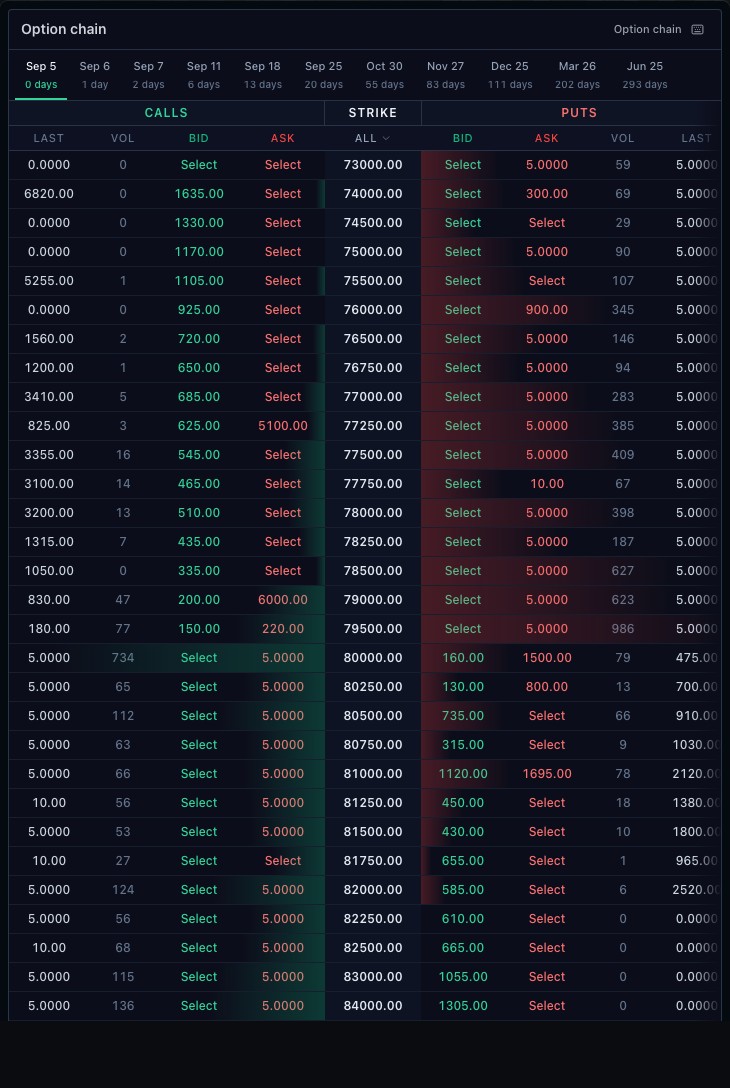
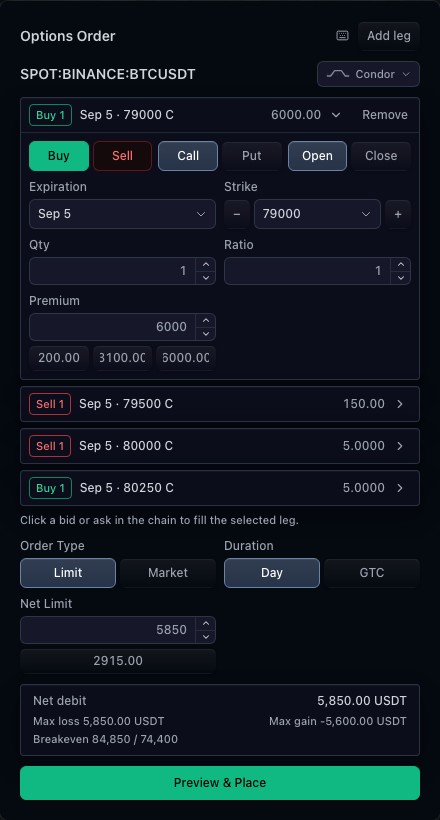
Each leg keeps its contract, side and quantity. Expiration, strike, right and premium controls let a user review the intended strategy. A multi-leg draft retains the identity of every contract rather than reducing the order to a strategy name.
02
Use market data and broker rules together
The market-data integration supplies contracts and quotes. The broker integration resolves tradability and previews the resulting draft. These responsibilities remain separate so the ticket can support different market-data and execution providers.
03
Require a preview before placement
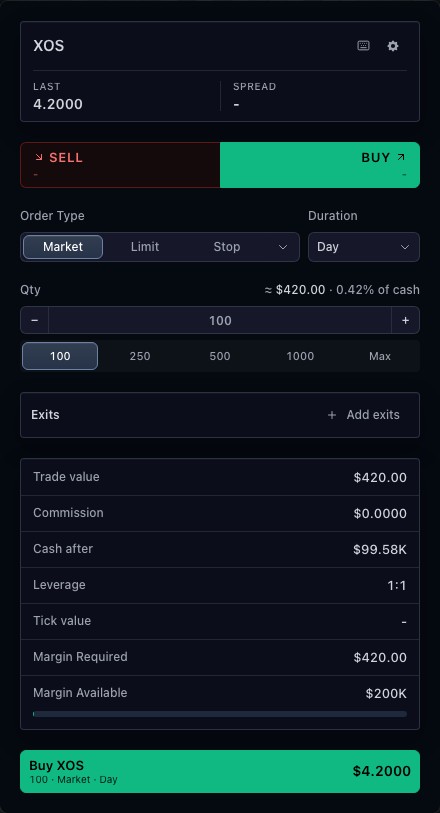
The option ticket requires broker preview before it submits. Displayed risk and cost information follows the available inputs and preview result. A rejected or unavailable preview prevents placement; selecting a template does not establish that an order is executable.
How to use option order ticket
- Open the option-ticket demonstration.
- Inspect the selected strategy and its individual legs.
- Change a contract field or quantity and review the draft.
- Use the broker preview before proceeding to simulated placement.
Data behind this view
Requires a trading adapter with preview and placement support. Contract catalogs and quotes are optional inputs; the public broker simulates execution.
Common questions
Does it support multi-leg orders?
Yes. The ticket composes option legs into one typed draft, subject to the broker capabilities.
What happens without broker preview?
Placement remains unavailable. The ticket requires a successful preview before submission.