01
Compare quotes in one view
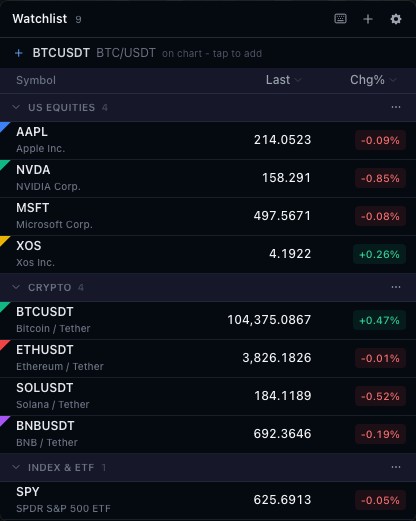
Symbol rows organize the quote fields supplied by the feed. Instrument identity stays attached to each row, allowing different exchanges and asset classes to retain their own context.
02
Connect selection to the chart
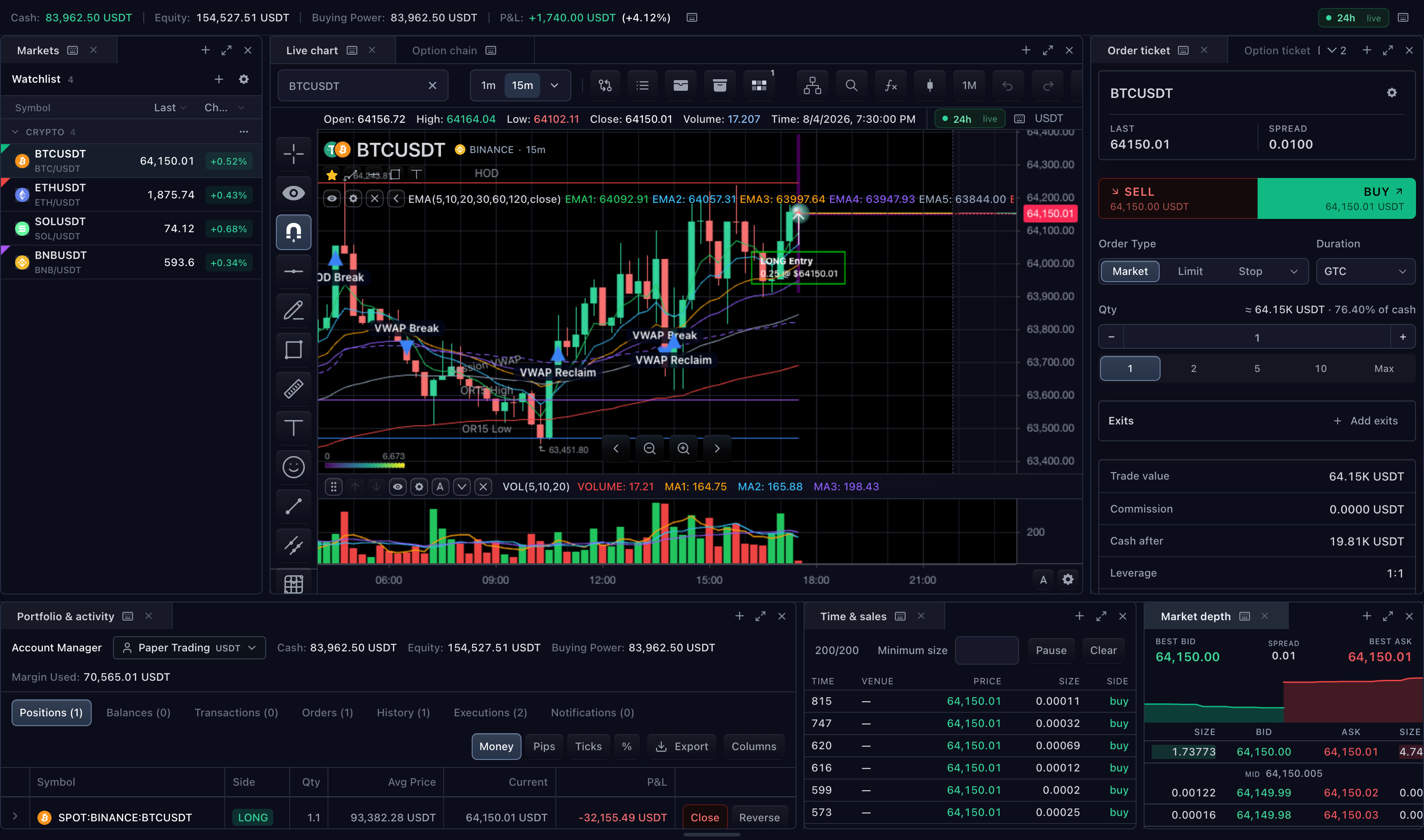
The widget exposes symbol selection to the host. Your application decides which chart or ticket follows it. This makes the same watchlist useful in a single-chart product or a larger workspace.
03
Own lists and persistence
A watchlist adapter supplies list content and supported operations. The host determines user identity and storage. Quotes and list membership have separate lifecycles, so a temporarily missing quote need not remove an instrument.
How to use watchlist
- Open the watchlist demonstration.
- Compare the visible quote columns.
- Select a different instrument and inspect the selected-symbol label.
- Review the adapter guide to connect selection and persistence in your product.
Data behind this view
Requires a watchlist adapter and market-data controller. Quote coverage follows the feed.
Common questions
Does selecting a row automatically change every chart?
The host chooses how to route symbol selection to chart instances.
Can lists be saved per user?
Yes. The host watchlist adapter owns storage and user context.