01
Use controls built for touch
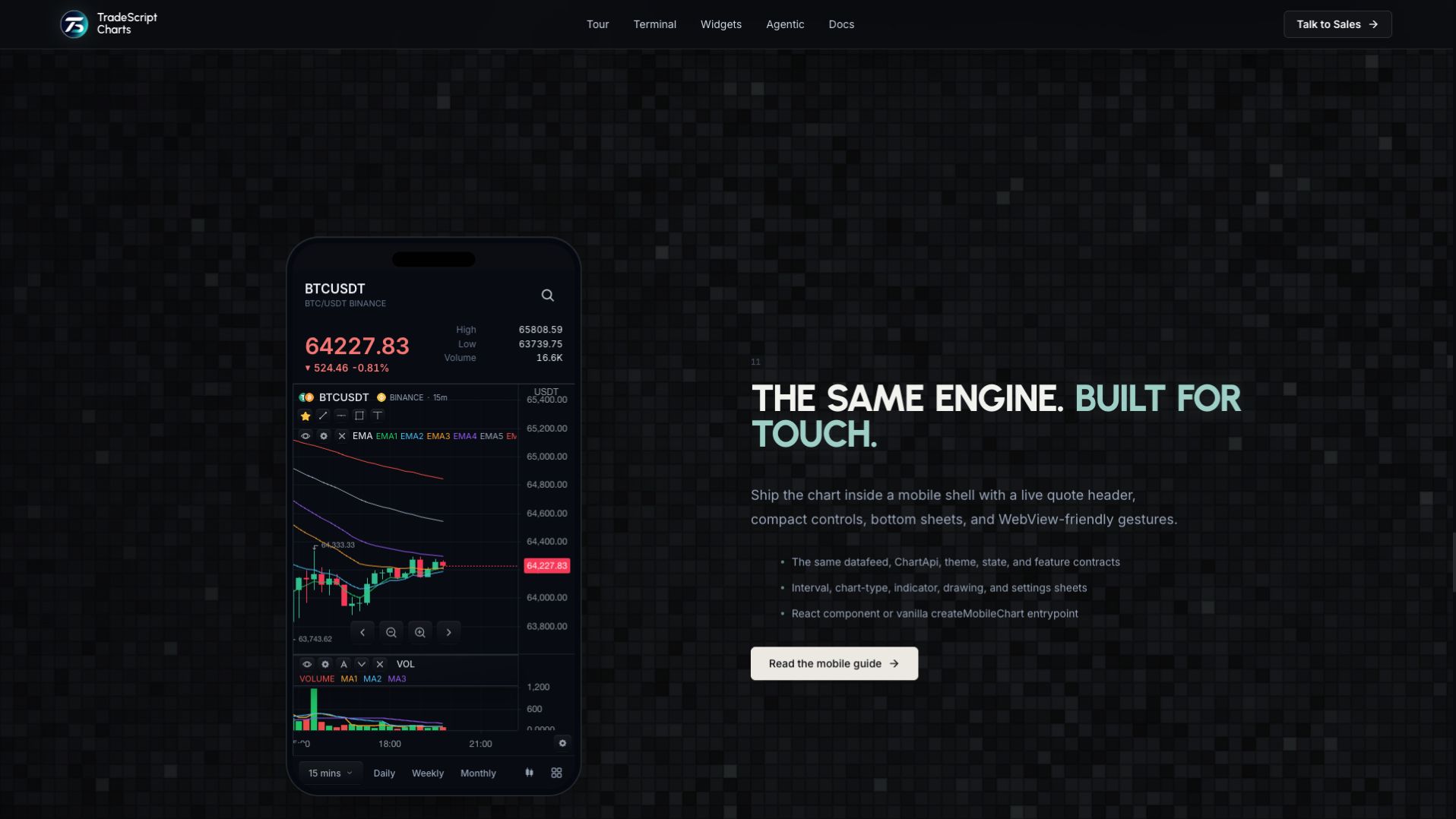
The mobile shell presents a quote header and compact controls. Interval, chart-type, indicator, drawing and settings sheets keep detailed choices out of the price view until needed.
02
Reuse your chart integration
The mobile surface uses the chart datafeed, theme, state and feature contracts. A host can mount the React component or the framework-neutral mobile-chart entrypoint.
03
Choose the embedding environment
The web mobile chart can live inside a WebView or a browser. Native application delivery has additional packaging and platform integration requirements; a desktop screenshot of the mobile shell is not a native-device test.
How to use mobile charts
- Open the mobile-chart demonstration.
- Open the interval or chart-type sheet.
- Explore indicators and drawing controls.
- Open /mobile on a phone to try the touch interaction directly.
Data behind this view
Requires chart bars and the enabled chart features. Native embedding also needs the host application and its platform configuration.
Common questions
Is this a separate chart engine?
No. The mobile interface uses the same chart engine and integration contracts.
Does this page prove a native app is installed?
No. The linked demonstration shows the mobile web surface; native packaging and device testing are separate.