01
Keep the exchange schedule explicit
Session definitions belong to the instrument and connected source. Timezone and trading-hours information determine the context displayed by session controls, rather than the user interface guessing from a ticker.
02
Distinguish a session from a quote
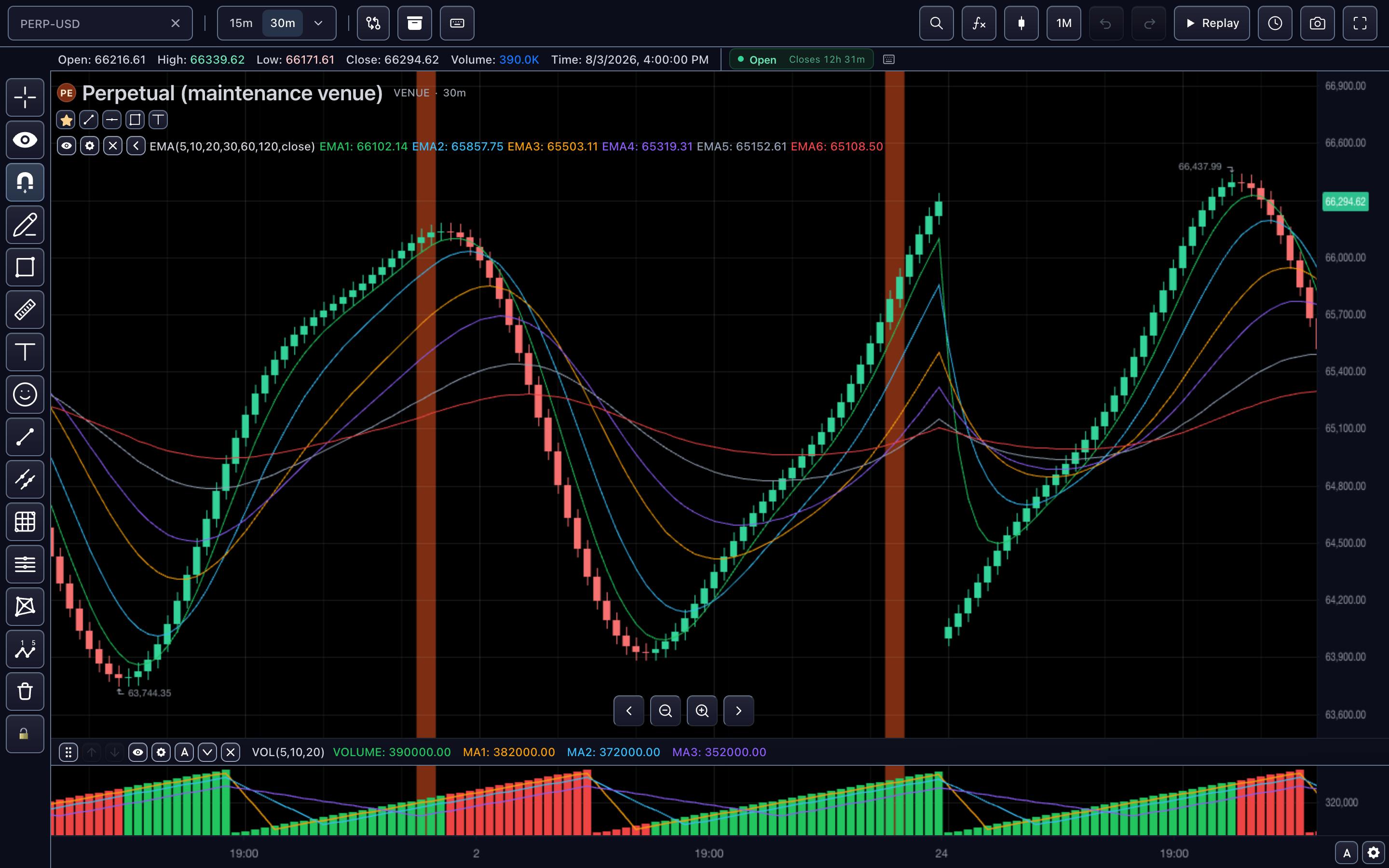
A recent price and an open market are separate facts. A session indicator describes the schedule; a quote describes a market-data observation. Products should preserve both when a feed is delayed or a market closes.
03
Use session context across analysis
Profiles, historical filtering and chart labels can depend on session definitions. Read the schedule and filtering guides when connecting instruments with different trading calendars.
How to use market sessions
- Open the market-session demonstration.
- Inspect the displayed session status and instrument context.
- Compare continuously traded and exchange-session markets where available.
- Review the schedule integration before enabling session-dependent studies.
Data behind this view
Requires explicit instrument schedule and timezone information from the integration.
Common questions
Does a fresh quote prove the market is open?
No. Quote timestamps and market-session schedules are distinct information.
Can different markets have different sessions?
Yes. Session context follows each resolved instrument and its declared schedule.