TradeScript Widget
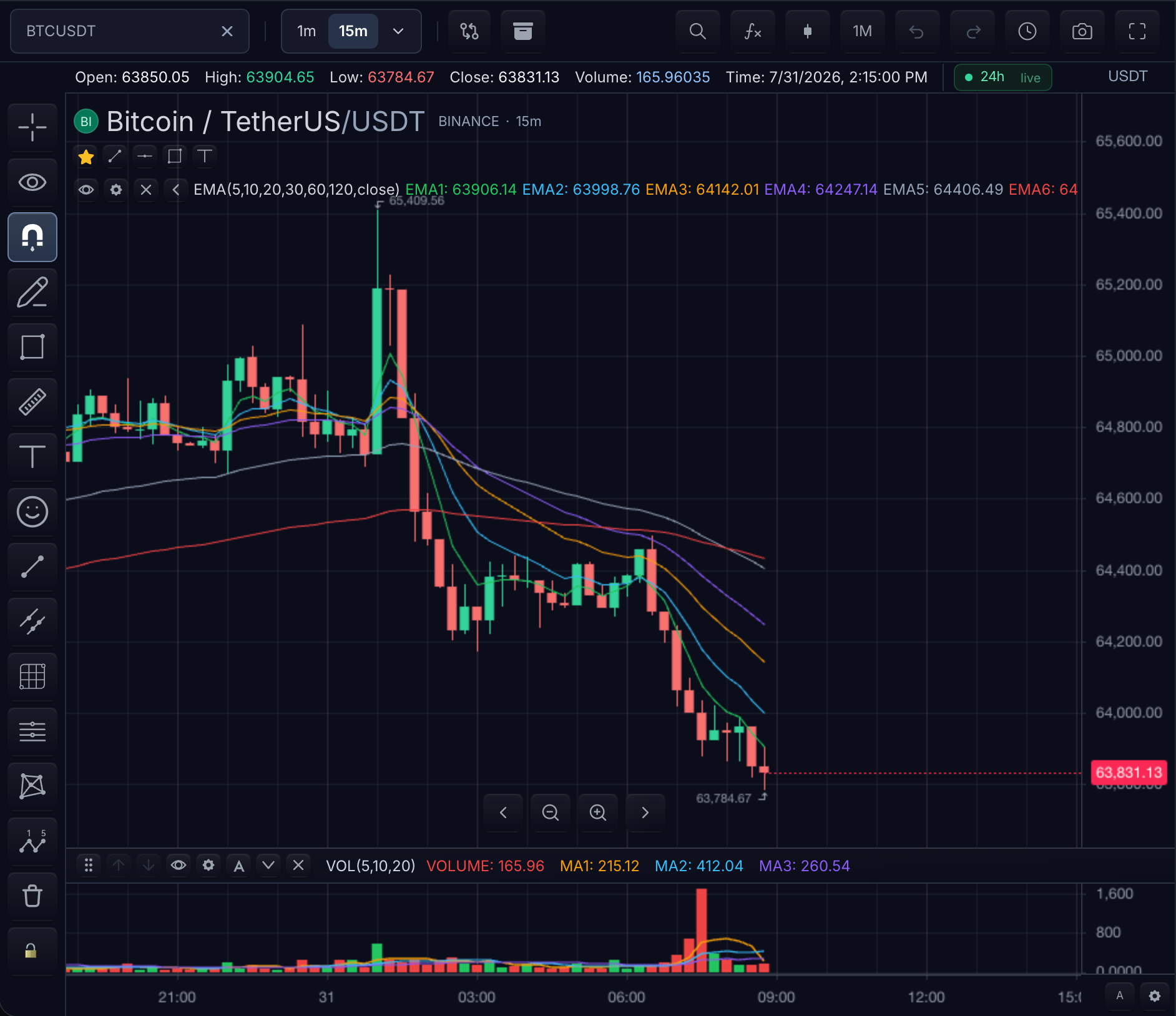
The chart widget is the production chart surface. Its lifecycle has three phases, identical in React and imperative hosts — only the syntax differs.
Lifecycle: mount, ready, cleanup
- Mount. The widget claims a DOM element, renders its shell, and starts initializing the chart surface. The API object exists immediately, but data accessors are not safe yet.
- Ready. Once the surface is initialized and the first symbol resolution has
started,
ready()resolves. In React,onMount(mounted)provides the same handle so the application can awaitmounted.ready(). Only after this point should you read loaded bars or call controllers. - Cleanup.
destroy()(imperative) or unmounting the component (React) tears down the chart, cancels datafeed subscriptions, and releases the DOM. A destroyed widget must not be reused.
Errors during mount surface through the onError callback as a ChartError
with code: 'widget.mount'; failures during initialization reject the
ready() promise.
React or imperative?
- Use
TradeScriptWidgetfrom@tradescript/pro/reactwhen the host is a React app. It is a thin adapter over the core lifecycle: React owns its one container element and unmount; core owns the chart. - Use
sdk.chart.mount(...)from the authorization-bound core SDK in every framework when you want direct lifecycle ownership. Its handle ownsapi,ready(),update(), anddestroy(). Create the shared SDK once before the first chart is mounted, then pass it to every chart surface owned by the application.
Minimal example: mount, observe ready, destroy
The imperative path shows the whole lifecycle in one place:
import { createTradeScriptSdk } from '@tradescript/pro/sdk/core';

const sdk = await createTradeScriptSdk({ lease: deploymentLease });

const mounted = sdk.chart.mount({
  mount: '#chart',
  symbol: 'NASDAQ:AAPL',
  interval: '1D',
  datafeed,
});

// Observable ready state: the promise resolves only when the API is safe to use.
await mounted.ready();
console.log('chart ready', mounted.api.chart().getSymbol().ticker);

// Cleanup: releases the DOM, subscriptions, and controllers.
mounted.destroy();
Verify the lifecycle: before ready() resolves the mount element contains the
loading surface; after it resolves chart.getSymbol() returns the resolved
symbol; after destroy() the mount element is empty and no further datafeed
requests are issued.
The same lifecycle in React — mount and cleanup are owned by the component:
import { TradeScriptWidget } from '@tradescript/pro/react';
import { createTradeScriptSdk } from '@tradescript/pro/sdk/core';

const sdk = await createTradeScriptSdk({ lease: deploymentLease });

export function CustomerChart() {
  return (
    <TradeScriptWidget
      sdk={sdk}
      symbol={{ ticker: 'AAPL' }}
      interval="1D"
      datafeed={datafeed}
      theme="dark"
      features={{ drawings: true, indicators: true }}
      onMount={(mounted) => {
        void mounted.ready().then(() => {
          console.log('chart ready', mounted.api.chart().getSymbol().ticker);
        });
      }}
    />
  );
}
Unmounting the component performs the destroy() step. Call
sdk.close() only when the application no longer needs any surface owned
by that customer deployment, and sdk.replaceLease(nextLease) only when
a long-running page receives a newer backend-cached lease.
Optional custom element
The element adapter is opt-in and has no registration side effect. Define it once, provide core widget options, and remove it normally when the host route unmounts:
import { createTradeScriptSdk } from '@tradescript/pro/sdk/core';
import { defineTradeScriptChartElement } from '@tradescript/pro/sdk/element';

const sdk = await createTradeScriptSdk({ lease: deploymentLease });
const ChartElement = defineTradeScriptChartElement(sdk);
const chart = new ChartElement();
chart.options = {
  symbol: 'AAPL',
  interval: '1D',
  datafeed,
  theme: 'dark',
};
document.querySelector('#chart-host')?.append(chart);
await chart.ready();
The element delegates connection, updates, readiness, and disconnection to the same core mount handle. It uses light DOM so the published SDK styles apply without a second styling boundary.
Intervals
interval sets the initial interval. The available interval buttons come from datafeed.onReady().supportedIntervals, with the SDK default list used when no list is declared.
const datafeed: MarketDataFeed = {
  onReady: () => ({
    supportedIntervals: ['1T', '10T', '1m', '6m', '2D', '3W', '6M', '1Y'],
    providedIntervals: ['1T', '10T', '1m', '2D', '1M'],
    resolutionRebuildPolicy: 'aggregate',
  }),
  loadBars,
};
Exact vendor bars are the default. Use resolutionRebuildPolicy: 'aggregate' or createCachingDatafeed(rawFeed, { syntheticAggregation: true }) when supportedIntervals includes intervals the raw feed does not return directly and the SDK default base tier is acceptable. Use sourceIntervals for explicit rules such as { '10m': '5m', '100T': '10T' }. Calendar bars follow stricter rules: W/M/Y can build from daily bars when vendor W/M/Y bars are absent, but D/W/M/Y are not built from intraday/hourly/tick bars.
The interval selector also accepts typed custom intervals. A typed value is selectable only when it exists in the resolved supportedIntervals; valid unsupported entries are shown disabled. Set features={{ customIntervals: false }} to hide the typed entry.
For exchange-traded symbols, implement resolveSessionCalendar or pass syntheticAggregation.sessionCalendar so synthetic bars align to sessions instead of fixed UTC buckets. Set emptyBars: true on the caching datafeed or feed config when missing intraday session slots should be filled with flat SDK bars.
Next steps
- Widget Options — every mount option, from the minimum preset to the full matrix.
- Chart Controller — the
ChartApiyou reach afterready(). - Resolutions — the interval rules the selector above is derived from.
- Standalone Widgets by Framework — the same lifecycle for non-chart surfaces.