Product Surfaces
Start with the standard chart unless your product needs a smaller standalone surface or a complete trading workspace. Every surface uses the same market data, broker, storage, theme, and authorization contracts, so you can add new surfaces without rebuilding those integrations.
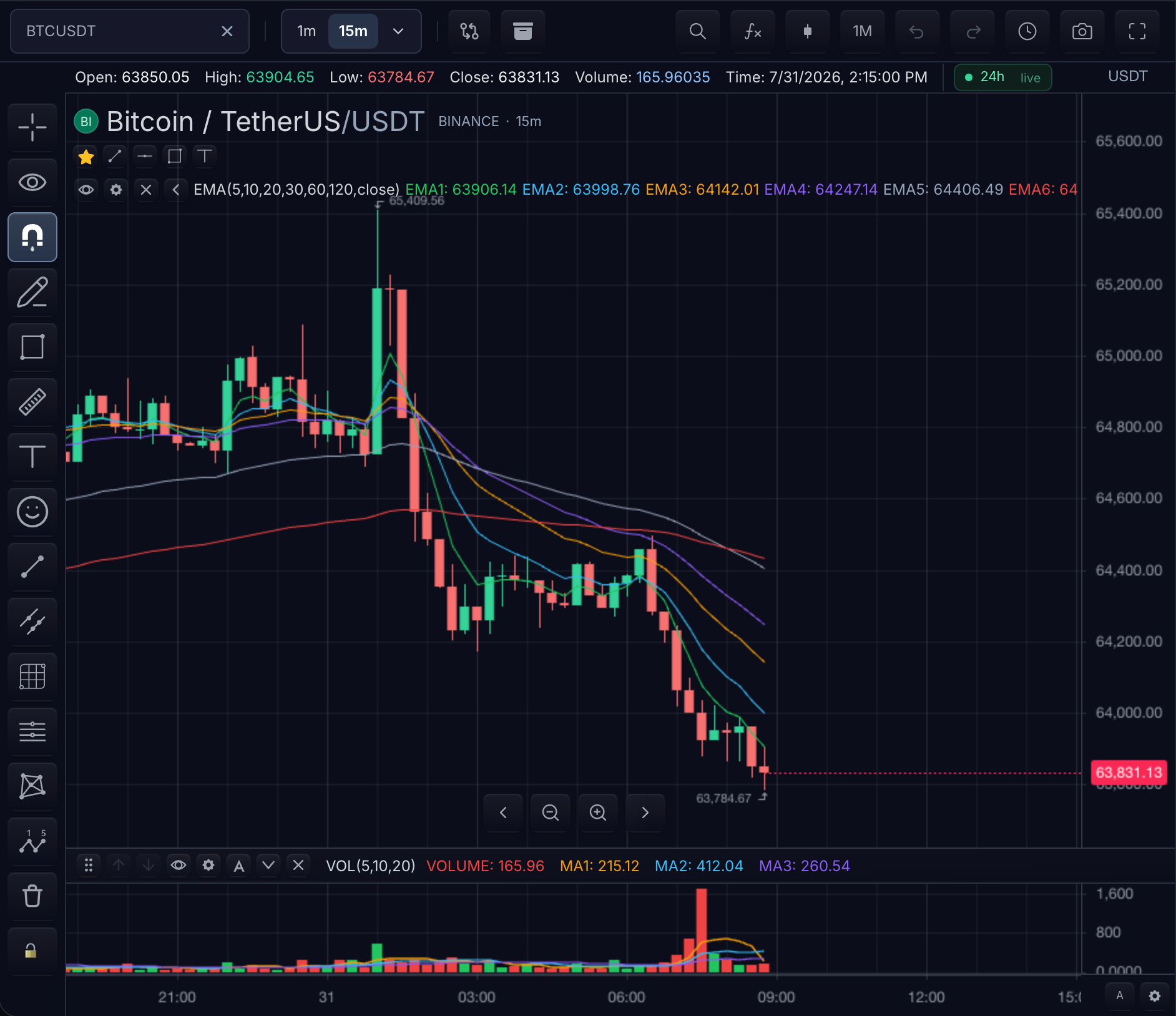 A complete terminal composes the chart with market context and trading surfaces.
Choose what to embed
| Customer experience | Start with | Use it when |
|---|---|---|
| Full desktop chart | Chart | You need candles, indicators, drawings, toolbars, replay, comparisons, and optional side panels. |
| Phone or WebView chart | Mobile chart | You need touch-first controls, safe-area handling, and bottom sheets at phone widths. |
| Symbol list and quotes | Watchlist | Users need a standalone list or a chart-owned watchlist rail. |
| Current market session | Session info | A header, ticket, or list row needs open, closed, pre-market, after-hours, holiday, or halt state. |
| Depth and recent trades | Order flow | Your feed supplies order-book depth, time and sales, or recorded book history. |
| Composable widget workspace | sdk.layout | You need a draggable panel container for registered widgets without the complete trading terminal. Persist its topology through widget layout storage. |
| Account and order workflow | Trading | Users need account selection, order entry, positions, executions, or a complete trading terminal. |
| Embedded terminal chat | Agent chat | Users need a model chat with explicit read-only, chart-control, or paper-trading access. |
| External agent-operated terminal | Agents and MCP | An authorized external agent needs to inspect or operate mounted product surfaces. |
Configure chart and widget keyboard actions through the shared widget hotkey registry. It prevents collisions when several standalone widgets or terminal panels are mounted together.
Standard chart
The chart is the default product surface. It includes the price series, panes, indicators, drawings, symbol and interval controls, and the controllers used by the rest of your application.
Mount it directly in any browser framework:
const mounted = sdk.chart.mount({
  mount: '#chart',
  symbol: 'AAPL',
  interval: '1D',
  datafeed,
});

const widget = await mounted.ready();
React applications can render the same chart through TradeScriptWidget; see
Use TradeScript with React.
Every surface works without a framework wrapper
Angular, Vue, Nuxt, Svelte, and plain JavaScript applications mount product surfaces directly from the authorized SDK. The pattern is the same for market depth, time and sales, watchlists, session badges, order tickets, account panels, option chains, widget layout containers, and the complete trading terminal:
const surface = sdk.timeAndSales.mount({
  mount: '#tape',
  marketData: widget.data(),
  symbol: widget.chart().getSymbol(),
  maxRows: 100,
});

surface.update({ maxRows: 200 });
surface.destroy();
Use sdk.chart.mount(...) and sdk.mobileChart.mount(...) for chart surfaces.
Use the other named sdk.<surface>.mount(...) modules for standalone widgets.
React applications may use the optional adapter subpaths included in the same private package instead of writing their own mount lifecycle:
| Package | What it provides |
|---|---|
@tradescript/pro | The authorized, framework-neutral SDK and every imperative product module |
@tradescript/pro/react | React adapters for the chart and standalone product surfaces |
See Framework and Widget Starters for chart lifecycles and Standalone Widgets by Framework for complete React, Next.js, Angular, Vue, Nuxt, Svelte, and browser widget lifecycles.
Standalone market surfaces
Use a standalone surface when the host page needs one focused piece of market context outside the full chart. Available surfaces include the watchlist, session badge, market depth, time and sales, option chain, and order-flow views. Each page explains the datafeed capability required to make its loading, empty, ready, and error states work.
Trading surfaces
Trading surfaces range from one order ticket to a complete terminal. Start with the smallest surface your workflow requires, then add account, order, position, execution, depth, and options panels against the same broker adapter. The Trading surfaces maps each composition to its required broker, market-data, symbol, and lifecycle authorities.
Multi-chart workspaces
Use a multi-chart workspace when several charts must share a chart grid, crosshair,
interval, symbol-linking, or storage policy. Give every chart a stable
chartId, decide which state is shared, and keep application-owned panels
outside the chart grid. See Build a multi-chart workspace.
Add one surface at a time
- Mount the standard chart and prove market data first.
- Add the next surface required by the user workflow.
- Implement only the datafeed, broker, or storage capability that surface uses.
- Verify loading, ready, empty, error, and teardown behavior before adding another surface.
Next steps
- TradeScript Widget — the default chart embed and its mount, ready, and cleanup lifecycle.
- Standalone Widgets by Framework — mounting depth, tape, watchlist, and trading surfaces in your framework.
- Mobile Chart — the touch-first shell for phone widths and WebViews.
- Trading — the broker-connected product surfaces.
- Agent chat — embed host-backed chat with real session access controls.