Object Tree
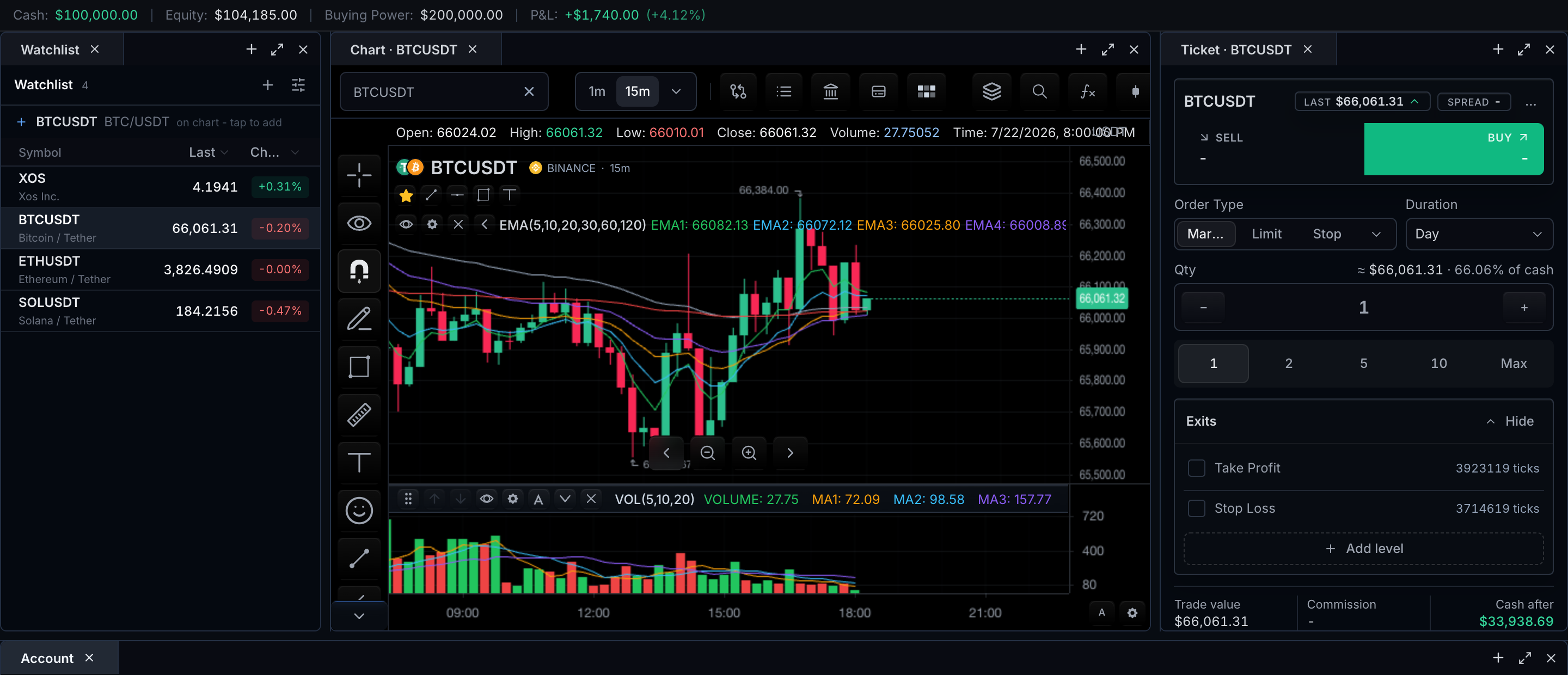
The Object Tree is the user-facing list of everything on the chart: the main series, drawings, indicators, comparisons, trading objects, annotations, panes, scale slots, and provider-owned objects.
When features.objectTree is enabled, a Layers button in the top period bar opens the unified Objects and Data panel, containing Object tree and Data window tabs. If the period bar is hidden, the configured floating or right-toolbar trigger remains available, and placement: 'legend' keeps the trigger in the legend.
The open panel is a themed card built from the standard chart chrome:
- A compact two-tab strip at the top.
- Collapsible category folders — series, drawings, indicators, comparisons, trading, annotations, and other provider objects.
- One row per object inside each folder, carrying its label, exchange or chart-type metadata where relevant, and per-row controls for visibility, lock, reorder, properties, and delete.
The main-series row is read-only and renders with its controls disabled. Three states are worth knowing:
| State | What the panel shows |
|---|---|
| Loading | The known chart structure, while provider-owned rows resolve |
| Empty | The main series, always — the tree is never blank |
| Provider error | The failed source, named, with the rest of the chart still usable |
sdk.chart.mount({
  // ...
  features: {
    objectTree: { defaultOpen: false },
    dataWindow: true,
  },
});
Task recipes
Select an object
Click a row to select it; the corresponding chart object and the tree row become selected together. Selection is chart selection state — programmatic access goes through selectObjects, getSelection, and clearSelection, with getHoverObject for hover lookup.
Hide or show an object
The per-row visibility toggle keeps the object in the model while toggling its visibility, routed through chart.updateObject(objectId, { visible }). Overlay-backed objects also expose a lock toggle via chart.updateObject(objectId, { locked }).
Reorder objects and panes
Rows that declare actions.reorder expose up/down buttons routed through chart.reorderObject(objectId, 'up' | 'down') (backed by zIndex patches) and drag-and-drop reorder inside a pane routed through chart.moveObject(objectId, targetObjectId, 'before' | 'after'). Pane or z-order changes persist with chart state.
Group and ungroup drawings
Drag a drawing row onto the center of another drawing row, or select multiple drawing rows and use the group action; both route through chart.groupDrawings(...). Grouped drawing rows expose an ungroup action routed through chart.ungroupDrawings(groupId). When two or more drawings share the same real groupId, the panel nests them in a drawing-group folder that can select or toggle all of its members.
Edit properties
Rows with actions.properties open a properties editor through chart.showPropertiesDialog(objectId). Built-in series, comparison, drawing, indicator, pane, and price-scale rows use native chart/object settings; provider-owned rows can route through ChartObjectProvider.showPropertiesDialog(context). Host-defined price-scale slots appear as price-scale:slot:<slotId> rows; their properties and remove actions update the native priceScaleSlots catalog.
Delete an object
Removable objects disappear from the tree and the chart through chart.removeObject(objectId). Read-only rows such as the main series render disabled controls instead.
Inspect data
Data inspection is the job of the panel's second tab. Switching from Object tree to Data window keeps the current selection. The tab's fields, refresh timing, and states are documented separately on the Data Window page.
SDK contracts
The 16-row surface map is split by what you are doing:
Listing, selection, and editing
| Need | TradeScript surface |
|---|---|
| List chart objects | chart.listObjects() |
| External objects | ChartObjectProvider |
| Update object | chart.updateObject(objectId, patch) |
| Remove object | chart.removeObject(objectId) |
| Selection | selectObjects, getSelection, clearSelection |
| Hover lookup | getHoverObject |
| Properties | chart.showPropertiesDialog(objectId) for rows with actions.properties |
Ordering and grouping
| Need | TradeScript surface |
|---|---|
| Reorder object | chart.reorderObject(objectId, direction) using zIndex patches |
| Move object before/after another object | chart.moveObject(objectId, targetObjectId, 'before' | 'after') |
| Group drawings | Drag-to-group or multi-select group action, routed through chart.groupDrawings(...) |
| Ungroup drawings | Grouped-row ungroup action routed through chart.ungroupDrawings(groupId) |
| Folder taxonomy | ChartObjectNode.folder with built-in defaults for series, drawings, indicators, comparisons, trading, annotations, and other provider objects |
Panel enablement and metadata
| Need | TradeScript surface |
|---|---|
| Unified built-in panel | features.objectTree: true or features.objectTree: { defaultOpen: false } |
| Localization | Object-tree chrome and native properties-dialog labels resolve through LocalizationSettings.translations / LocalizationSettings.translate |
| Exchange metadata | SymbolInfo.exchange and SymbolInfo.listedExchange from resolveSymbol / symbol search results |
Object nodes can represent the main series, drawings, indicators, comparisons, trading objects, annotations, and provider-owned objects. The main chart series is exposed as the read-only series:main row with symbol, exchange, and chart-type metadata. Comparisons cover additional chart symbols.
Built-in panel behavior
When features.objectTree is enabled, the chart renders the unified panel with:
- Themed chart chrome built from the standard card, tab, and button components.
- A compact Object tree / Data window tab strip.
- Select-on-row click, visibility toggle, lock toggle, reorder controls, drag-and-drop reorder and grouping, properties, and delete — each routed through the APIs in the recipes above.
- Collapsible object categories and section headers from
ChartObjectNode.folder. Built-in nodes use stable defaults; provider objects can supply product-specific folders. - Disabled controls for read-only rows such as the main series.
- Provider object routing for host-owned objects such as broker orders, positions, executions, and annotations.
Panel titles, action tooltips, object-kind labels, sharing-state labels, and native properties-dialog labels use the chart-instance localization resolver before falling back to the shipped catalog. Hosts can override those keys per chart with LocalizationSettings.translations or dynamically with LocalizationSettings.translate.
Symbol metadata
TradeScript symbol metadata is typed as SymbolInfo.exchange and SymbolInfo.listedExchange; feeds should provide these in resolveSymbol and symbol-search results when the host wants exchange labels in chart-side or host-side object panels.
Supported behavior
Support both:
- SDK object provider/listing APIs for hosts.
- A first-class object tree panel for end users, with visibility, lock, selection, z-order movement, delete, and provider object handling.
Use ChartObjectNode.folder when host-defined folder names or grouping are required.
The current nesting model is category → shared drawing group → object. Arbitrary user-created folder hierarchies require a separate persisted folder contract; the panel does not infer them from labels or IDs.
Related pages
- Data Window — the panel's second tab, documented on its own page.
- Panes and Scales Behavior — pane and scale-slot rows the tree exposes.
- Context Menu — per-object actions at the point of right-click.