News
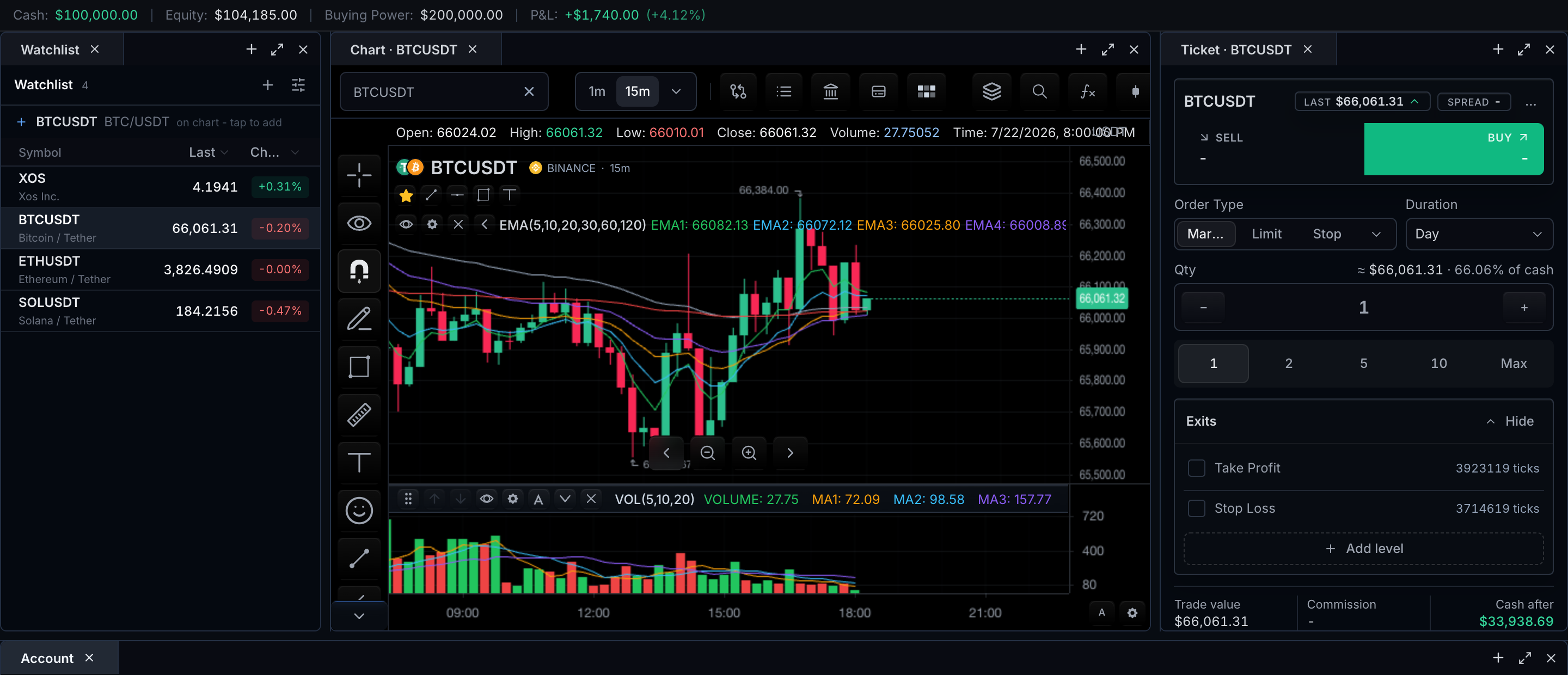
News is a symbol-scoped headline panel for the active chart. The chart toolbar includes a news button when features.news is not false and the datafeed capability supportsNews is enabled. Opening it requests the active chart symbol through MarketDataController.getNews and opens a card-style popover anchored to the toolbar button, without replacing chart state; closing it returns to the same symbol and range.
Visually, the open popover is a titled card: the header shows the feed-provided newsTitle (or the default news label) above a subtitle line, next to a refresh control. Below it, a scrollable list renders each article as a compact card with the headline, source, timestamp, optional summary, and an open-story button. Opening an item follows the configured host/browser policy — the chart itself never navigates away.
What appears, and when
- The toolbar news control appears only when the datafeed advertises news support.
- Opening the panel requests headlines for the active resolved symbol and current locale.
- Each item renders headline, timestamp, source, and optional summary from feed-owned data.
- Clicking an item opens it through the configured host/browser policy.
- Closing the panel changes nothing about symbol, interval, or visible range.
Empty, loading, and error states
| State | Required behavior |
|---|---|
| Loading | Keep the panel title and active symbol visible |
| Empty | State that no news is available; do not show unrelated items |
| Error | Explain the failed source and expose retry |
| Stale/offline | Mark cached items with their timestamp |
| Click/open blocked | Keep the item selected and explain the browser or host policy |
Unavailable news is therefore always communicated in-panel — the toolbar control never opens into silence: an empty response renders an explicit no-news message for the active symbol, and a failed request names the source and offers retry.
Configuration
sdk.chart.mount({
  mount: '#chart',
  symbol: 'AAPL',
  interval: '1D',
  datafeed: {
    onReady() {
      return {
        supportsNews: true,
        newsTitle: 'Market Desk',
      };
    },
    async loadBars(request) {
      return { bars: await loadBars(request) };
    },
    async getNews(request) {
      return [
        {
          id: 'aapl-ai',
          title: 'Apple expands AI features',
          time: Date.now(),
          source: 'TradeWire',
          url: 'https://example.com/aapl-ai',
          summary: 'New on-device AI tools roll out across products.',
          symbols: [request.symbol].filter(Boolean),
        },
      ];
    },
  },
  features: {
    news: true,
  },
});
| Need | Surface |
|---|---|
| Remove the toolbar control | features.news: false |
| Advertise feed support | Datafeed capability supportsNews |
| Label the panel | newsTitle in the feed capabilities |
| Supply headlines | MarketDataFeed.getNews |
| Refresh programmatically | widget.news().refresh() |
const widget = await sdk.chart.mount(options).ready();
const news = await widget.news();
news.refresh();
The SDK owns the panel and request timing. The datafeed owns provider selection, pagination, symbol matching, entitlements, the returned article metadata, and any provider title exposed through newsTitle.
News versus market events
The News panel remains the full article stream. Market Events may also contain curated news events on the timeline, but they link to articles only through explicit relatedNewsIds or safe url values. The SDK does not synthesize a news event from an article or infer article relationships from titles.
Related pages
- Market Events — timeline events, including curated news events.
- Toolbars — where the news control lives.
- Instrument Details — reference data for the same active symbol.