Data Window
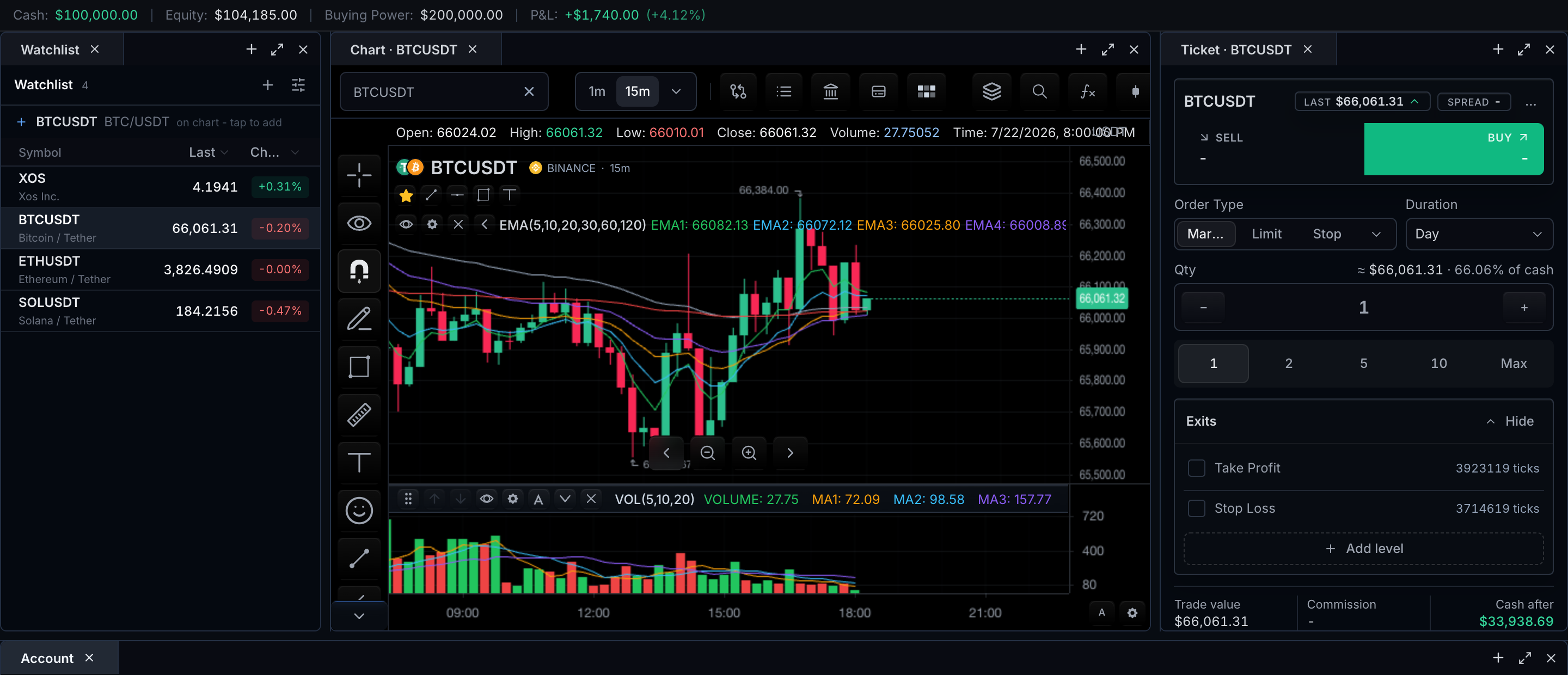
The Data Window is a compact list of labeled values for the current crosshair point — a feed-owned snapshot of OHLCV, indicator, fundamental, or venue-specific fields for one symbol, interval, and time.
Where it opens from depends on the Object Tree. With the Object Tree enabled, the Data Window is the second tab in the unified Objects and Data panel, opened by the Layers button in the top period bar. Without it, the chart keeps a standalone data-window toolbar button.
The open panel is a themed card anchored to the chart, containing:
- A tab strip: Object tree and Data window.
- A header naming the active symbol and interval.
- One row per value — label on the left, formatted value on the right, with an optional color swatch supplied by the feed.
Field origin
Every displayed field maps to a source and a reproducible chart state:
| Displayed field | Source | Reproducible state |
|---|---|---|
| Symbol and interval header | Chart context supplied by the SDK | Change symbol or interval; the header follows |
| Time of the inspected point | Crosshair location (bar time) | Move the crosshair to a specific bar |
Value rows (id, label, value, color) | Datafeed response from getDataWindow | Same crosshair point always issues the same request |
| Unavailable value label | ChartDisplaySettings.dataWindowUnavailableValueLabel | Return null/undefined for a value |
Update timing
The surface is available when features.dataWindow is not false and the datafeed capability supportsDataWindow is enabled. Opening the tab requests the current symbol, interval, and crosshair location through MarketDataController.getDataWindow. While visible, it refreshes from typed crosshair, bar, symbol, and interval controller events; the refresh button uses the same request path.
Empty, loading, and error states
| State | Panel behavior |
|---|---|
| No crosshair | Use the documented current/latest-bar policy or explain that a point must be selected |
| Loading | Keep the selection context visible and mark values as updating |
| Missing field | Render the configured unavailable label or hide only when explicitly configured |
| Empty response | Show an intentional "No values for this point" state |
| Error | Keep the panel open, identify the failed request, and expose retry |
Feed health, connection state, and latency are not inferred by the panel. A future live-feed monitor should display those only after the datafeed exposes a typed status contract.
Configuration
sdk.chart.mount({
  mount: '#chart',
  symbol: 'AAPL',
  interval: '1D',
  datafeed: {
    async loadBars(request) {
      return { bars: await loadBars(request) };
    },
    async getDataWindow(request) {
      return {
        symbol: request.symbol,
        interval: request.interval,
        time: request.time,
        values: [
          { id: 'open', label: 'Open', value: 190.12 },
          { id: 'close', label: 'Close', value: 191.4 },
          { id: 'vwap', label: 'VWAP', value: 190.78, color: '#38bdf8' },
        ],
      };
    },
  },
  features: {
    dataWindow: true,
    objectTree: { defaultOpen: false },
  },
});
| Need | Surface |
|---|---|
| Remove the toolbar control | features.dataWindow: false |
| Advertise feed support | Datafeed capability supportsDataWindow |
| Supply values | MarketDataFeed.getDataWindow |
| Label for null/undefined values | ChartDisplaySettings.dataWindowUnavailableValueLabel |
| Hide rows with null/undefined values | ChartDisplaySettings.hideUnavailableDataWindowValues |
The request is datafeed-owned. The SDK supplies chart context; the feed decides which OHLCV, indicator, fundamental, or venue-specific values are present.
Related pages
- Object Tree — the other tab of the unified Objects and Data panel.
- Chart Data Table — the SDK-owned historical grid, compared directly below.
- Instrument Details — reference data rather than point-in-time values.