Write a Custom Indicator
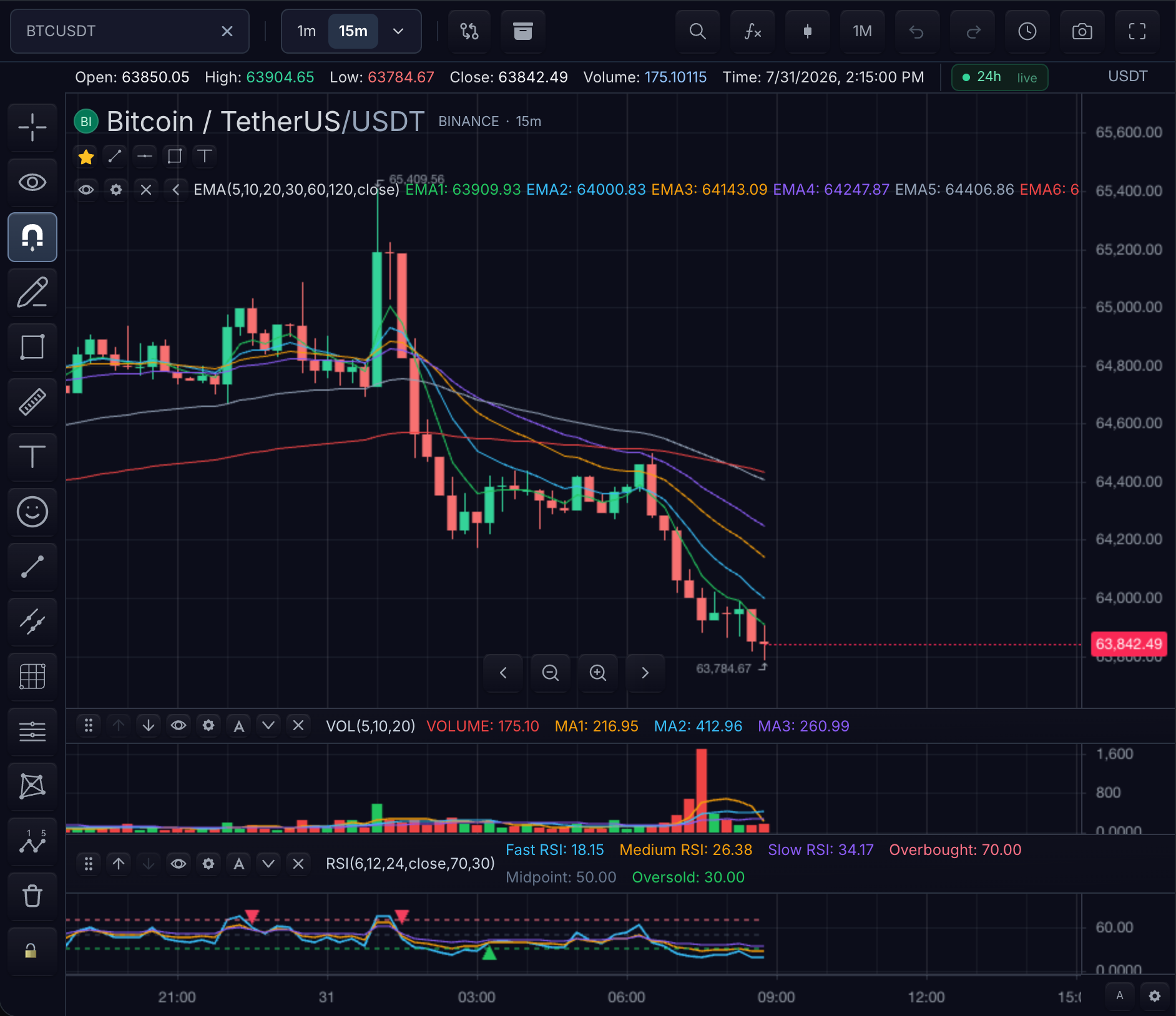
The finished indicator is a 20-period EMA: a green line over the candles on the main price pane, a legend entry reading Tutorial EMA, and a Length field in its Settings dialog.
Integration steps
Add custom indicator modules to your application build. Register each module before adding it to a chart. The integration has five steps:
| Stage | What happens | What can go wrong |
|---|---|---|
| Source | You author a TypeScript module with one export default indicator(...) | Importing anything outside the documented indicator packages |
| Definition | The options object (id, compactLabel, pane, ...) and input.* calls define the indicator's identity, Settings fields, and defaults | Missing stable ids on inputs; invalid option values |
| Registration | registerCustomIndicator prepares the definition for use | Invalid options or inputs prevent registration |
| Add | chart.addIndicator({ name }) creates an instance using the registered name | The module was not registered before it was added |
| Verify | The plot appears, the legend lists the indicator, and Settings shows its inputs | The calculation reports an error or has not received enough bars |
1. Source — create the indicator module
import { close, indicator, input, plot } from '@tradescript/pro/sdk/indicators'
import * as ta from '@tradescript/pro/sdk/indicators/ta'

const tutorialEma = indicator('Tutorial EMA', () => {
  const length = input.int('Length', 20, {
    id: 'length',
    min: 1,
    max: 500,
  })

  plot.line(ta.ema(close, length), {
    key: 'ema',
    title: 'EMA',
    color: '#22c55e',
  })
}, {
  id: 'tutorial-ema',
  compactLabel: 'EMA',
  description: 'Exponential moving average tutorial',
  pane: 'price',
})

export default tutorialEma
Import only the documented indicator packages:
@tradescript/pro/sdk/indicators@tradescript/pro/sdk/indicators/ta@tradescript/pro/sdk/indicators/math
2. Definition — options and inputs drive the chart UI
The third argument to indicator(...) plus your input.* calls define the indicator's chart behavior:
id: 'tutorial-ema'keeps saved layouts stable across renames.compactLabel: 'EMA'labels the legend and price scale.pane: 'price'overlays the main series;'separate'and'volume'create their own panes.- Every input's
id(herelength) becomes the key hosts use ininputs: { length: 21 }.
3. Registration — register during application startup
import { registerCustomIndicator } from '@tradescript/pro/sdk/indicators'
import tutorialEma from './indicators/tutorialEma'

export const tutorialEmaName = registerCustomIndicator(tutorialEma)
Register each definition once before a chart tries to add it. If registration throws, check the indicator options and input definitions before starting the chart.
4. Add — create an instance on a chart
const instanceId = await chart.addIndicator({
  name: tutorialEmaName,
  paneId: 'candle_pane',
  inputs: { length: 21 },
})
Use the exact string returned from registerCustomIndicator as name.
pane option | Placement |
|---|---|
'price' | Overlay the main series with paneId: 'candle_pane' |
'separate' | Create a separate pane |
'volume' | Create a volume-style pane |
5. Verify — what you should see
With bars loaded, the chart now shows:
- a green EMA line tracking the candles on the main price pane, with
NaNgaps for the first 20 warm-up bars - a legend entry reading
Tutorial EMA(compact labelEMA) with the current length value - a Settings dialog for the instance with a
Lengthinteger field (min 1, max 500) on the Inputs tab
Confirm programmatically:
chart.updateIndicator(instanceId, { inputs: { length: 50 } }) // line recomputes with the longer lookback
chart.removeIndicator(instanceId)                             // line and legend entry disappear
Diagnosing
Nothing renders after addIndicator:
- Register the module during application startup, and pass the value returned by
registerCustomIndicatorasname.
registerCustomIndicator throws:
- Check that the options object and every
input.*call carry stable, uniqueidvalues and valid option values, then register the corrected module.
The indicator is listed but plots nothing (or partially):
- Check the message passed to
error('...')in your application logs or Settings UI. - Leading
NaNvalues are normal warm-up for lookback windows, not an error.
Next steps
- Indicator Language — the full authoring API: inputs, plots, markers, alerts, and drawings.
- TypeScript Stdlib — the
ta.*and math helpers available inside an indicator. - Custom Indicator Recipes — worked patterns built on this lifecycle.