Built-in Indicator Reference
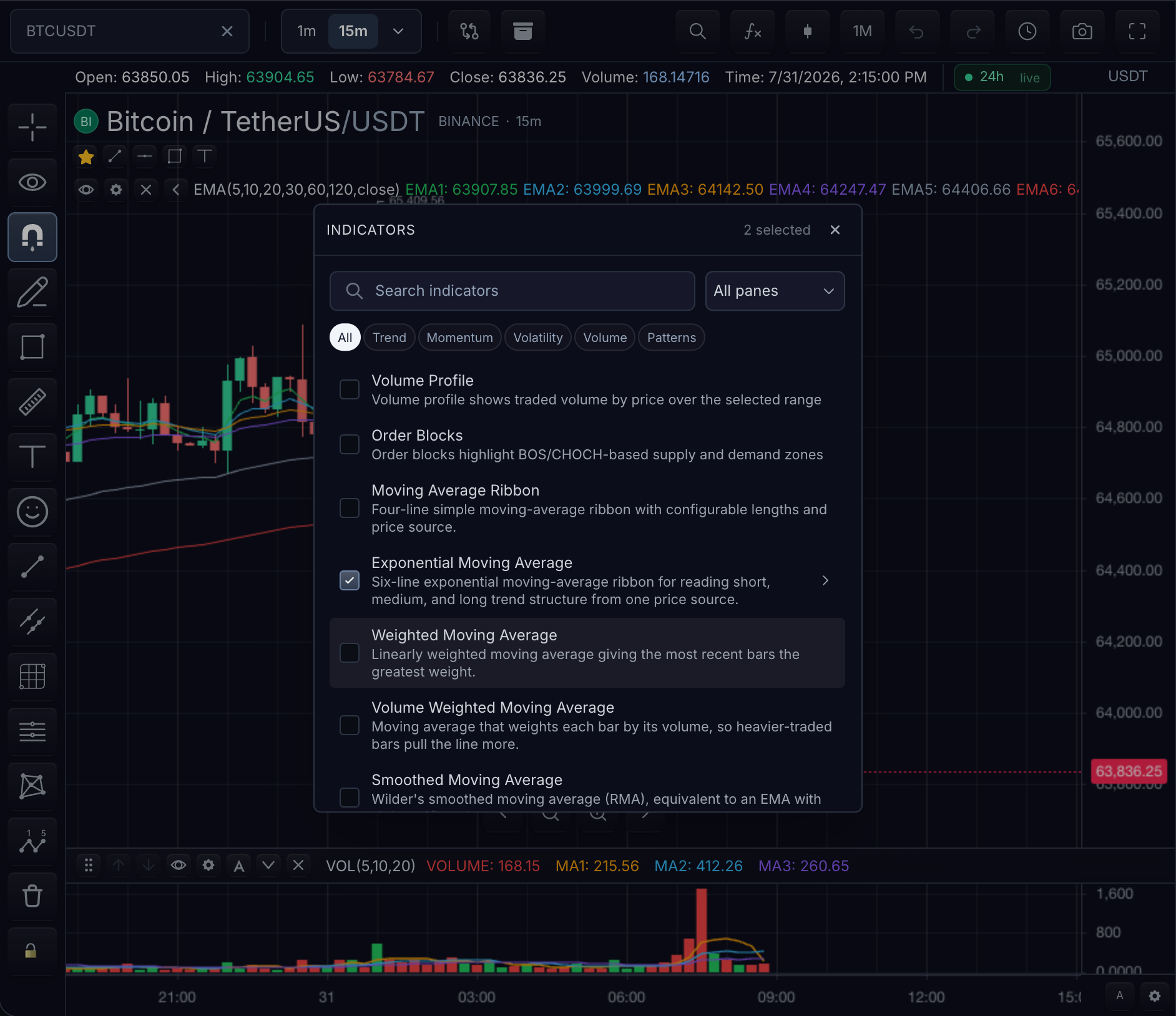
Every built-in indicator has a stable id, typed inputs, and typed style paths. The reference lists 290 indicators across 18 categories.
Use the search box to reach an indicator by name or id, or narrow the catalog by pane placement and category. The categories are: Bands and channels, Breadth, Classic oscillators, Classic overlays, Derivatives data, Ichimoku, Levels and breakouts, Momentum, Moving averages, Pivots, Price, Price action patterns, Session and levels, Statistics, Trend, Volatility, Volume, and Volume profile.
Expand an indicator for its add and override snippet and the full inputs.* and styles.* path tables. Every card has a stable #indicator-id anchor.
Use these SDK calls:
chart.addBuiltInIndicator(id, { inputs, styles })chart.customization().setBuiltInIndicatorDefaults(id, { inputs, styles })chart.updateIndicator(indicatorId, { inputs, styles })
The path names are the keys to use when you set inputs and styles. Not sure which indicator you need? Start from the goal-based groups in Built-in indicators.
Bands & channels 6
Breadth 1
Classic oscillators 17
Classic overlays 4
Derivatives data 3
Ichimoku 1
Levels and breakouts 32
Momentum 92
Related pages
- Built-in Indicators — find an indicator by goal, then add it by id.
- Indicator Settings — which layer wins when several set the same input or style.
- Overrides — where these style paths sit in the customization precedence model.