Built-in Indicators
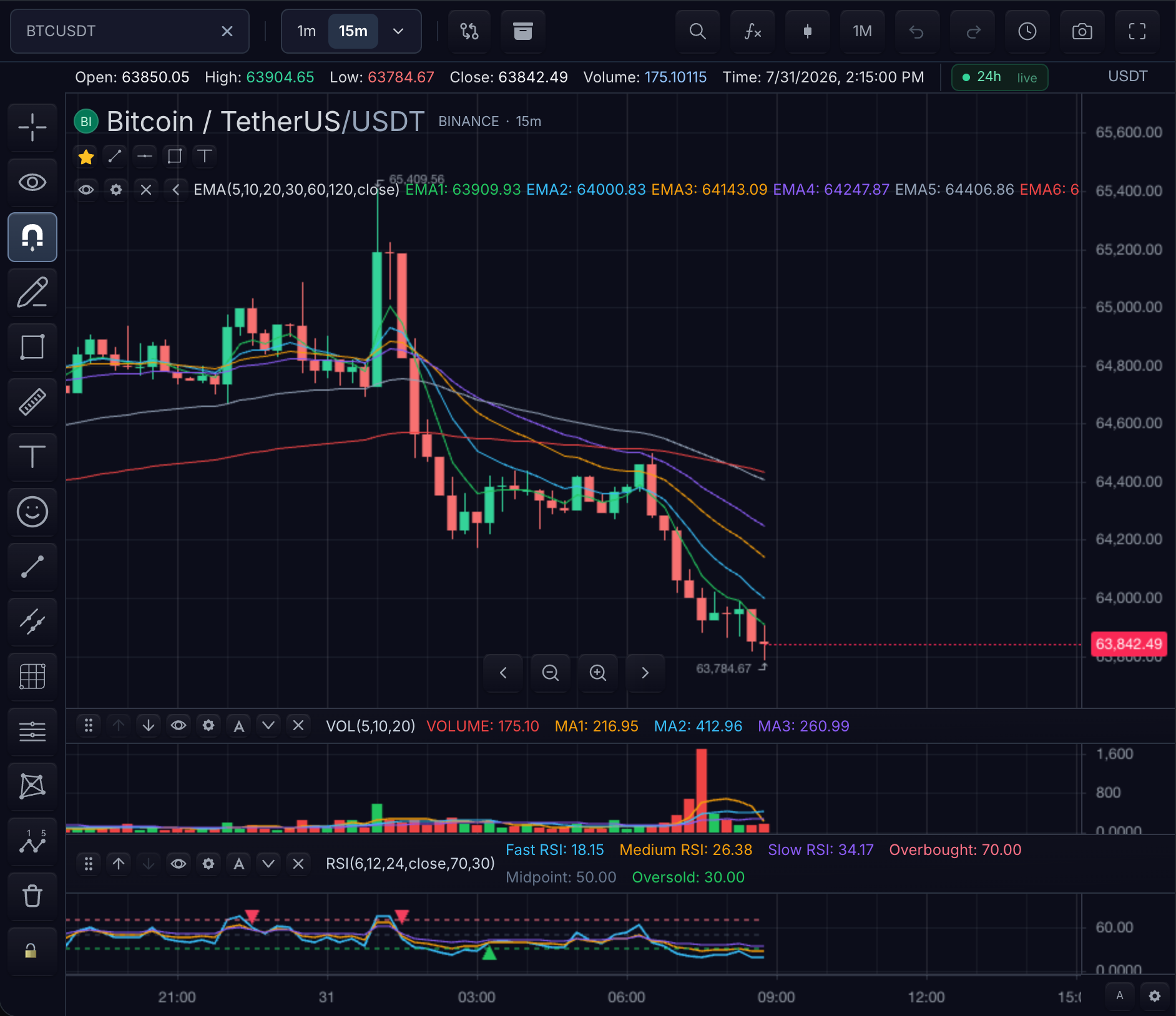
Add catalog indicators without writing TypeScript. Select an indicator by its stable catalog id, then set the inputs and styles your chart needs.
Find an indicator by goal
You do not need to know an indicator's exact name. Start from what you want to see on the chart — each link opens the built-in reference already filtered to the matching category:
| Goal | Categories to browse | Well-known entries |
|---|---|---|
| Smooth price and read trend direction | Moving averages, Trend | EMA, SUPERTREND, ADX |
| Spot overbought / oversold momentum | Momentum, Classic oscillators | RSI, MACD, KDJ |
| Measure volatility or trade a channel | Volatility, Bands & channels | ATR, BOLL, KC |
| Follow volume and money flow | Volume, Volume profile | VWAP, OBV, TS_VOLUME_PROFILE |
| Mark key levels, sessions, and breakouts | Levels and breakouts, Session and levels, Pivots | TS_MARKET_STRUCTURE_ZONES, PIVOTS |
| Detect candlestick / price-action patterns | Price action patterns | — |
| Everything else | Classic overlays, Statistics, Ichimoku, Derivatives data, Breadth, Price | SMA, SAR, ICHIMOKU |
In the reference you can also filter by pane placement (main-pane overlay versus separate pane), search by name, id, or category, and deep-link any card with its stable #indicator-id anchor.
Add and manage an indicator
chart.addBuiltInIndicator('EMA', { inputs: { length: 20 } });
chart.addBuiltInIndicator('TS_MARKET_STRUCTURE_ZONES');
chart.removeIndicator('indicator-id');
Every id in the reference can be passed directly to addBuiltInIndicator(...). The returned instance id is the value to use with updateIndicator, duplicateIndicator, and removeIndicator.
Next steps
- Built-in Indicator Reference — searchable catalog with per-indicator
inputs.*andstyles.*paths - Settings — defaults, runtime overrides, and persistence for built-in instances