Build a Chart with REST and WebSocket Data
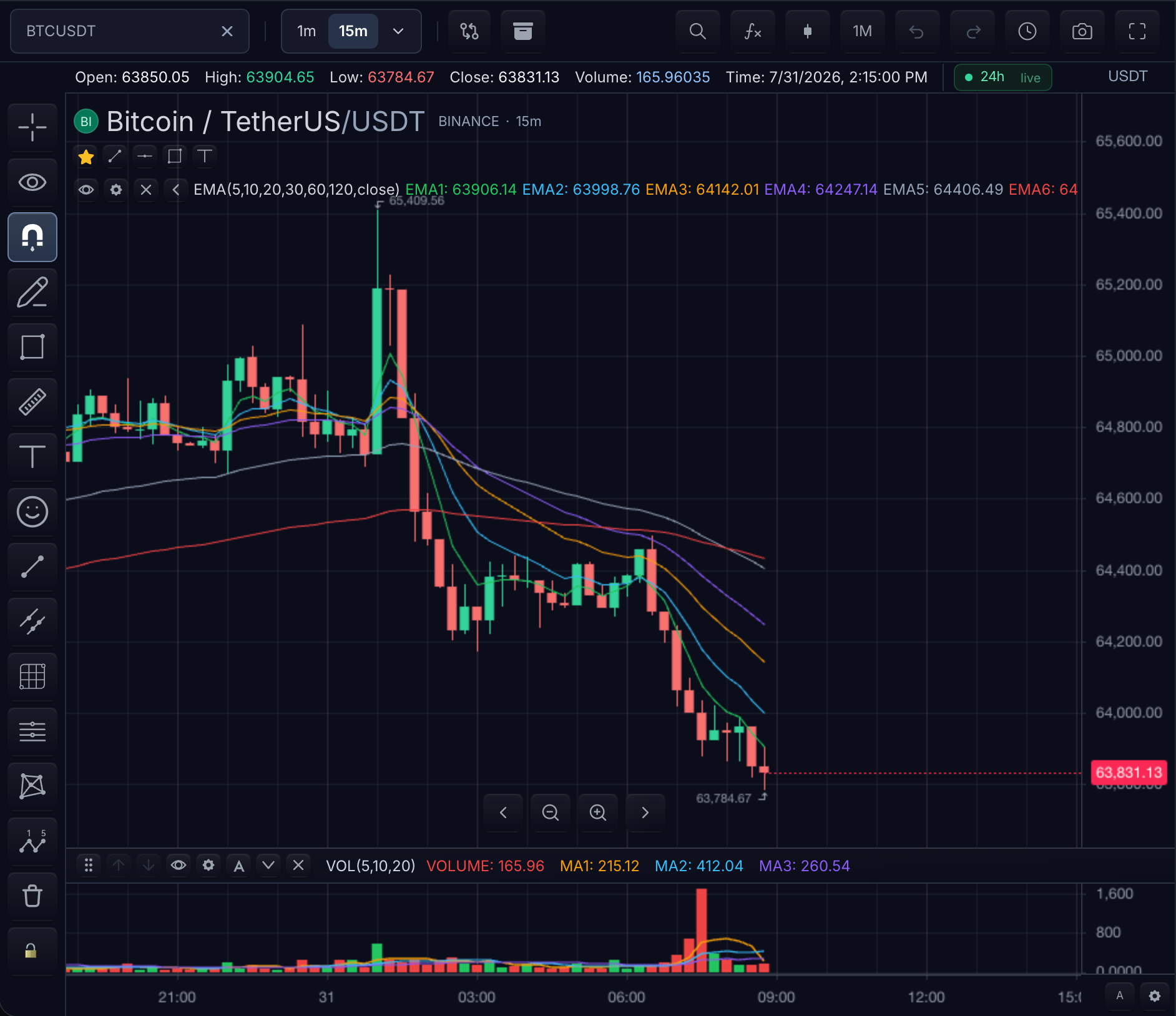
Two transports, one contract. REST bootstraps the bounded historical window; WebSocket keeps the leading bar current. Both reach the chart as the same chart-ready OHLCV values, and authentication, vendor normalization, retry policy, and connection multiplexing stay in your application.
Data flow
- Resolve the requested symbol.
- Load the requested historical time range.
- Render the returned bars in ascending timestamp order.
- Subscribe to the same symbol and interval.
- Replace or append live bars by timestamp.
- Reset cached history after reconnects or corrections.
- Unsubscribe when the chart changes or is destroyed.
1. Resolve the public symbol
async resolveSymbol(symbol) {
  return typeof symbol === 'string'
    ? { ticker: symbol, exchange: 'NASDAQ', type: 'stock' }
    : symbol;
}
Keep REST and WebSocket symbol identities consistent. If the vendor uses different identifiers, normalize both through the same application-owned mapping.
Checkpoint: the next loadBars call receives the resolved symbol; if history and stream resolve differently, live bars will attach to the wrong series later.
2. Load history over REST
async loadBars(symbol, interval, request) {
  const query = new URLSearchParams({
    symbol: symbol.ticker,
    interval,
    from: String(request.startTime),
    to: String(request.endTime),
  });
  const response = await fetch(`/api/bars?${query}`);
  if (!response.ok) throw new Error(`History request failed: ${response.status}`);
  return { bars: await response.json() as Bar[] };
}
Checkpoint: timestamps are milliseconds, bars are ascending, and an empty result is different from an authorization/network error.
3. Stream live bars
subscribeRealTimeBars(subscription, onBar) {
  const socket = new WebSocket(
    `wss://stream.example.com/bars?symbol=${subscription.symbol.ticker}&interval=${subscription.interval}`,
  );
  socket.addEventListener('message', (event) => {
    onBar(JSON.parse(String(event.data)) as Bar);
  });
  return () => socket.close();
}
A live update with the current bar timestamp replaces that bar. A later timestamp appends a bar. Reject or normalize out-of-order vendor events before sending them to the chart.
Checkpoint: the browser network panel shows one open socket per subscription and the last candle ticks in place; a socket that never opens leaves the chart static on history, which is the correct degraded state, not an error to hide.
4. Mount and verify readiness
const mounted = sdk.chart.mount({
  mount: '#chart',
  symbol: 'AAPL',
  interval: '5m',
  datafeed,
});

const widget = await mounted.ready();
After reconnects or historical corrections, call subscription.onResetCacheNeeded?.() so the normal history path reloads authoritative bars.
Checkpoint: mounted.ready() resolves and widget.chart().getLoadedBars() returns a non-empty ascending series; after a forced disconnect, the reset call triggers a fresh history request instead of leaving a gap in the current bar.
Production checks
- Send CORS headers for the application origin.
- Surface authorization and rate-limit failures from the data layer.
- Back off reconnect attempts according to provider policy.
- Close the socket from the returned unsubscribe callback.
- Do not let a stale subscription update a newly selected symbol.
Complete typed example
import { createTradeScriptSdk, type Bar, type MarketDataFeed } from '@tradescript/pro/sdk/core';

declare const deploymentLease: string;

const datafeed: MarketDataFeed = {
  onReady: () => ({
    supportsRealTime: true,
    supportedIntervals: ['1m', '5m', '1D'],
    providedIntervals: ['1m', '5m', '1D'],
  }),

  async resolveSymbol(symbol) {
    return typeof symbol === 'string'
      ? { ticker: symbol, exchange: 'NASDAQ', type: 'stock' }
      : symbol;
  },

  async loadBars(symbol, interval, request) {
    const query = new URLSearchParams({
      symbol: symbol.ticker,
      interval,
      from: String(request.startTime),
      to: String(request.endTime),
    });
    const response = await fetch(`/api/bars?${query}`);
    if (!response.ok) throw new Error(`History request failed: ${response.status}`);
    return { bars: await response.json() as Bar[] };
  },

  subscribeRealTimeBars(subscription, onBar) {
    const socket = new WebSocket(
      `wss://stream.example.com/bars?symbol=${subscription.symbol.ticker}&interval=${subscription.interval}`,
    );
    socket.addEventListener('message', (event) => onBar(JSON.parse(String(event.data)) as Bar));
    return () => socket.close();
  },
};

const sdk = await createTradeScriptSdk({ lease: deploymentLease });
const widget = sdk.chart.mount({
  mount: '#chart',
  symbol: 'AAPL',
  interval: '5m',
  datafeed,
});

await widget.ready();
Next steps
- Historical Bars — the exact
loadBarsrequest and response contract. - Realtime Bars — update versus append semantics and correction handling.
- Resolutions — which intervals you serve natively and which the SDK derives.
- Build the Data Gateway — the server-side shape this feed is best pointed at.