Quickstart
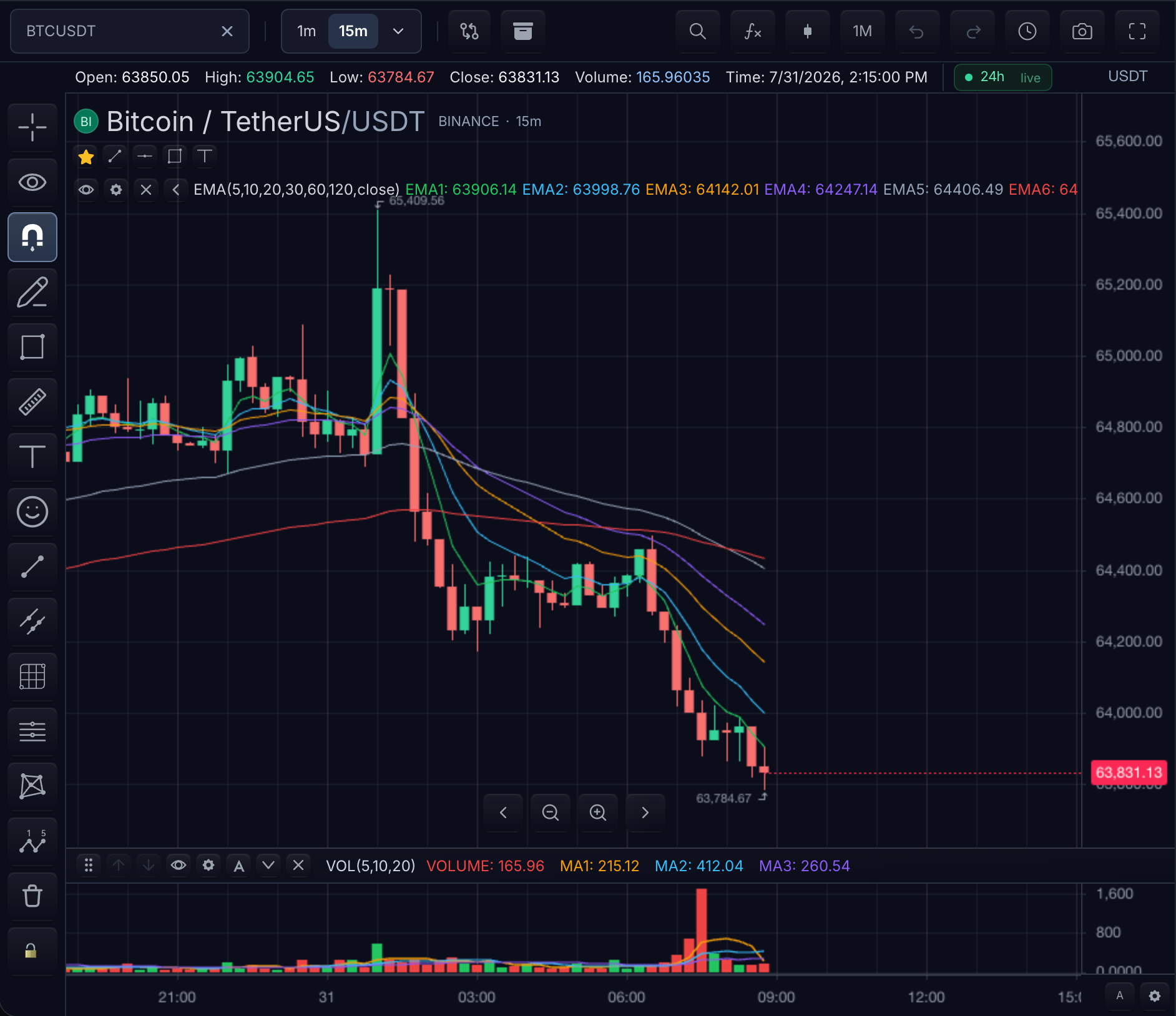
Three calls put a live chart on the page: mount it, give it bars, confirm it
responds. The result is an AAPL daily candlestick chart that reloads on every
symbol and interval change. The lifecycle is framework-neutral — the same calls
run under plain JavaScript, Angular, Vue, Nuxt, Svelte, React, and Next.js.
Four prerequisites:
@tradescript/proinstalled with styles imported — see Installation- a mount element with a real height
- a
MarketDataFeedwithloadBars(step 2 shows the minimal one) - a deployment lease supplied by your backend — see Production Authorization
1. Mount the chart
Mount the chart into a framework-owned HTML element:
import { createTradeScriptSdk, type MarketDataFeed } from '@tradescript/pro/sdk/core';

declare const datafeed: MarketDataFeed;
declare const deploymentLease: string;

const sdk = await createTradeScriptSdk({ lease: deploymentLease });
const mounted = sdk.chart.mount({
  mount: '#chart',
  symbol: { ticker: 'AAPL', exchange: 'NASDAQ', type: 'stock' },
  interval: '1D',
  datafeed,
  theme: 'dark',
});

const widget = await mounted.ready();
<div id="chart" style="height: 720px"></div>
Checkpoint: the chart shell renders — toolbar, price scale, and an empty pane. Candles arrive once step 2 supplies bars.
2. Load data
The datafeed is your market-data boundary. The smallest complete feed
implements only loadBars:
import type { MarketDataFeed } from '@tradescript/pro/sdk/core';

export const datafeed: MarketDataFeed = {
  async loadBars(symbol, interval, request) {
    const query = new URLSearchParams({
      symbol: symbol.ticker,
      interval,
      from: String(request.startTime),
      to: String(request.endTime),
      count: String(request.barCount),
    });
    const response = await fetch(`/api/bars?${query}`);
    if (!response.ok) throw new Error(`Bars request failed: ${response.status}`);
    return response.json();
  },
};
Return bars in ascending timestamp order. See Datafeeds for the response shape and optional search, realtime, quotes, depth, news, and session capabilities.
Checkpoint: daily candlesticks render for AAPL. An empty pane means the
request failed — inspect the browser console and the loadBars network
response.
3. Verify interaction and cleanup
Confirm the chart is live:
-
Move the pointer over the pane — the crosshair and legend values follow it.
-
Scroll the mouse wheel — the visible range zooms; drag to pan.
-
Use the toolbar symbol search and interval control — the chart requests new bars.
-
Update the chart from application state when needed:
await mounted.update({symbol: { ticker: 'TSLA', exchange: 'NASDAQ' },interval: '5m',}); -
Destroy the mount from your framework's route/component teardown:
mounted.destroy();
Checkpoint: the update loads five-minute TSLA bars, and teardown leaves no
chart DOM, workers, or market-data subscriptions behind.
Complete integration
The three steps assembled into one module. Paste it in, point /api/bars at
your own history endpoint, and it runs:
import { createTradeScriptSdk, type Bar, type MarketDataFeed } from '@tradescript/pro/sdk/core';
import '@tradescript/pro/style.css';
import '@tradescript/pro/tailwind.css';

// Supplied by your backend bootstrap. See Production Authorization.
declare const deploymentLease: string;

// 1. The market-data boundary. loadBars is the only required method.
const datafeed: MarketDataFeed = {
  async loadBars(symbol, interval, request) {
    const query = new URLSearchParams({
      symbol: symbol.ticker,
      interval,
      from: String(request.startTime),
      to: String(request.endTime),
      count: String(request.barCount),
    });

    const response = await fetch(`/api/bars?${query}`);
    if (!response.ok) throw new Error(`Bars request failed: ${response.status}`);

    // Ascending by time, one bar per timestamp.
    return { bars: (await response.json()) as Bar[] };
  },
};

// 2. One authorized SDK per application, created once.
const sdk = await createTradeScriptSdk({ lease: deploymentLease });

// 3. One chart per mount element.
const mounted = sdk.chart.mount({
  mount: '#chart',
  symbol: { ticker: 'AAPL', exchange: 'NASDAQ', type: 'stock' },
  interval: '1D',
  datafeed,
  theme: 'dark',
});

const widget = await mounted.ready();
const chart = widget.chart();
await chart.dataReady();

// 4. Drive it from application state.
export async function showSymbol(ticker: string): Promise<void> {
  await chart.setSymbol(ticker);
}

// 5. Release it from your framework's teardown hook.
export function destroyChart(): void {
  mounted.destroy();
}
<div id="chart" style="height: 720px"></div>
Use your framework lifecycle
The chart API does not change by framework. Only the mount and teardown hooks do:
- Angular: mount in
ngAfterViewInit, destroy inngOnDestroy. - Vue or Nuxt: mount in
onMounted, destroy inonBeforeUnmount. - Svelte: mount in
onMountand return the destroy callback. - React or Next.js: mount in
useEffectand return the destroy callback. - Plain JavaScript: mount after the element exists and destroy from the router/view disposal callback.
React applications may instead use the optional TradeScriptWidget component.
Copy-paste starters for every path are in
Framework and Widget Starters.
Add another product surface
The same authorized SDK mounts standalone widgets without a framework wrapper:
const tape = sdk.timeAndSales.mount({
  mount: '#tape',
  marketData: widget.data(),
  symbol: widget.chart().getSymbol(),
  maxRows: 100,
});

tape.update({ maxRows: 200 });
tape.destroy();
See Product Surfaces for mobile charts, watchlists, market depth, order tickets, account panels, options, layouts, and the complete trading terminal.
Troubleshooting
- Blank page, no chart shell: give the mount element an explicit height.
- Chart shell but no candles:
loadBarsrejected or returned no bars; check the console and endpoint response. Cross-origin providers need CORS. - Unstyled toolbar or broken layout: import both SDK styles once at the application root — see Installation.
- Duplicate chart or continuing network traffic after navigation: the framework teardown did not call
destroy().
Mobile chart
Mount the touch-first product surface through the same framework-neutral SDK:
const mobile = sdk.mobileChart.mount({
  mount: '#mobile-chart',
  symbol: { ticker: 'AAPL', exchange: 'NASDAQ', type: 'stock' },
  interval: '15m',
  datafeed,
});

await mobile.ready();
mobile.destroy();
See Mobile Chart for touch controls, safe areas, WebView embedding, and responsive behavior.
Next steps
- Core Concepts — the ownership and readiness model behind the code above.
- Framework and Widget Starters — the same mount in your framework's component lifecycle.
- Datafeeds — the full
MarketDataFeedcontract beyondloadBars. - Production Authorization — issue the deployment lease from your own backend.