Drawing persistence
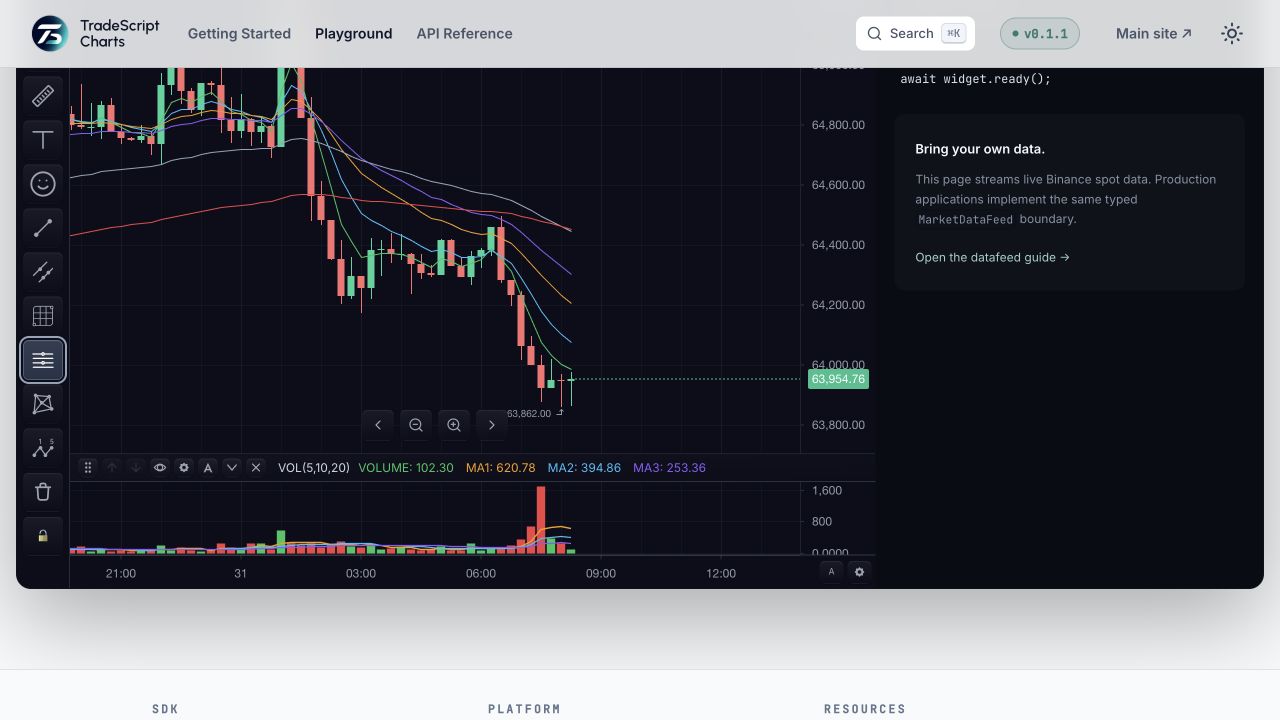
The chart owns live drawing objects. Persistence stores their public
DrawingDefinition snapshots, never canvas, renderer, or overlay instances.
Start with embedded drawings
Drawings are embedded in chart layouts by default. No drawing-specific adapter methods or feature settings are required:
const layouts = widget.chartLayouts();

await layouts.saveAs('drawn-layout', 'Drawn layout');
await layouts.load('drawn-layout');
Use this path when drawings belong to one saved workspace. The workspace controller preserves the complete single-chart or multi-chart layout.
Use separate storage deliberately
Choose separate records when drawings need sharing, permissions, revisions, conflict handling, or remote updates:
features: {
  drawings: {
    persistenceMode: 'separate',
  },
}
Then save and load one exact bucket:
const before = chart.getDrawings();

const saved = await chart.saveDrawings({
  layoutId: 'opening-drive',
  sharingMode: 'not-shared',
});

const restored = await chart.loadDrawings({
  layoutId: 'opening-drive',
  sharingMode: 'not-shared',
});

console.log(before.length, saved?.revision, restored?.drawings.length);
The chart fills missing chart, symbol, and interval fields from its current context. The adapter or caller supplies stable user and workspace scope.
Preserve identity and outcomes
- Keep each drawing's
id; changing ids breaks grouping, z-order, selection, and host-held references. - Return
nullwhen no separate record exists. The chart leaves current live drawings unchanged. - Reject invalid payloads, permissions, and transport failures. They are not empty storage.
- Return a new revision after save and compare it with the next
baseRevisionwhen using optimistic concurrency. - Preserve
removedandremovedGroupstombstones so deleted objects do not reappear after a merge.
An explicit load replaces the local snapshot by default. Use
applicationMode: 'merge' for a three-way merge against the last synchronized
baseline.
Verify the round trip
- Record each drawing's id, type, points, styles, visibility, lock state, group, and z-order.
- Save, destroy the widget, and recreate it with the same storage scope.
- Load the layout or separate drawing bucket.
- Compare every recorded field, not only the drawing count.
- Load a never-saved bucket and confirm existing live drawings remain.
- Delete one drawing, save again, reload, and confirm it does not return.
Next steps
- Drawing storage — choose modes, bucket keys, permissions, revisions, and subscriptions.
- Chart layouts — persist drawings inside one complete workspace.
- Test chart storage — prove conflicts, isolation, and teardown.