Connect an AI Browser with WebMCP
WebMCP lets a compatible AI browser discover TradeScript tools from the page it
is already viewing. The chart application remains the host and the SDK remains
the authority. No Node process, npx command, localhost server, pairing token,
or WebSocket bridge is involved in this path.
This is an additional transport for the same six TradeScript operations. It does not replace standard MCP for desktop harnesses, IDEs, or other clients that start a local or remote MCP server.
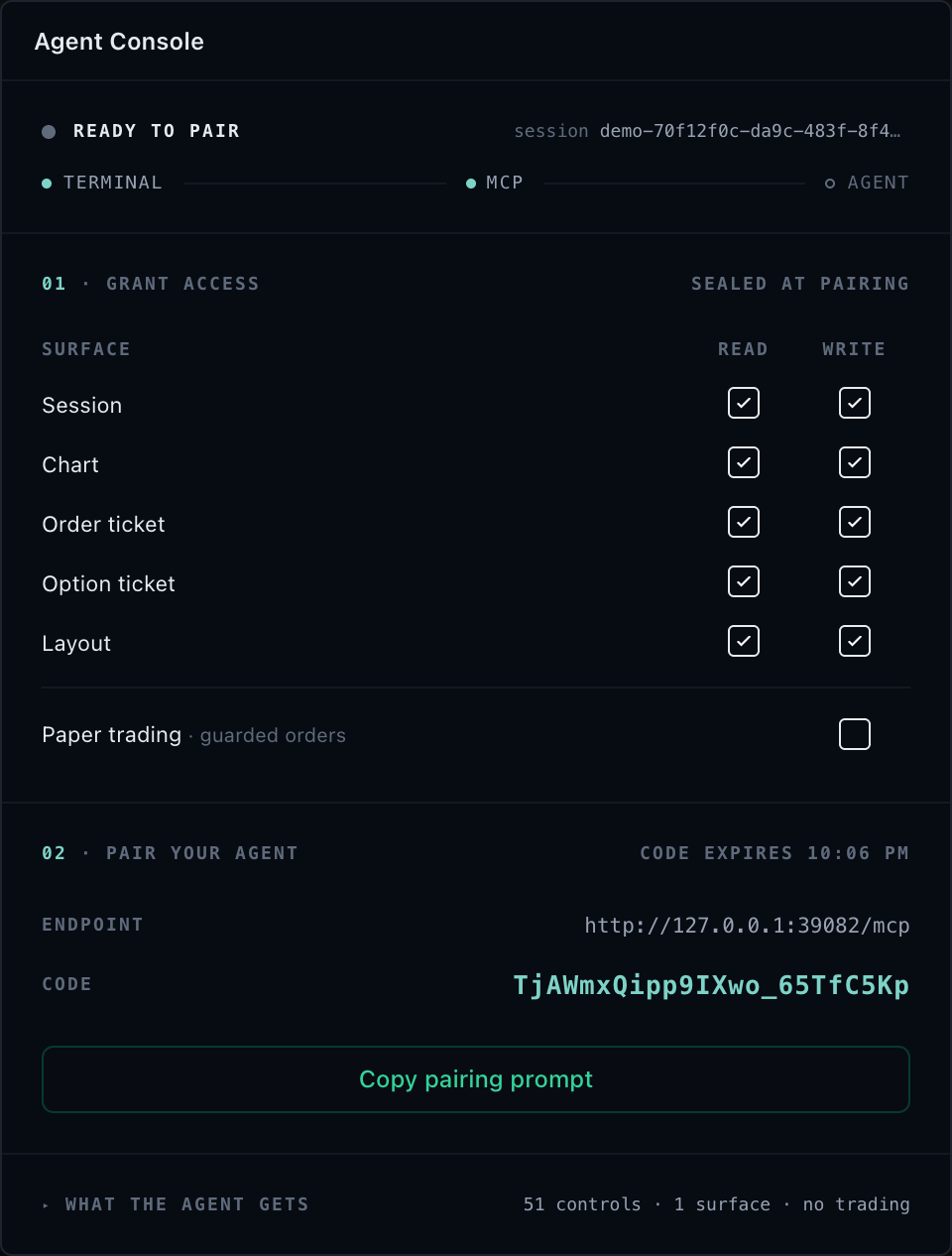
Add WebMCP to an attachment
Attach the intended SDK surfaces and access policy exactly as you would for standard MCP, then expose that attachment to the current page:
import { attachTradeScriptSession } from '@tradescript/chart-mcp/browser';

const attachment = attachTradeScriptSession(tradeScriptAdapter.agentic, {
  sessionId: crypto.randomUUID(),
  title: 'Research terminal',
  access: {
    read: true,
    write: {
      families: {
        chartNavigation: true,
        drawings: true,
        indicators: true,
      },
    },
    trade: false,
  },
});

const webMcp = await attachment.exposeWebMcp();

if (webMcp === undefined) {
  // The current browser does not provide the WebMCP registration API.
}
Call this from the top-level page after the controller surfaces intended for the session have mounted and the user has chosen to expose them. WebMCP is available only in a secure context, and the current OpenAI browser integration does not discover tools registered only inside an iframe. Check the OpenAI WebMCP documentation for current browser support.
What the browser discovers
The page registers exactly these stable tools:
tradescript_get_contexttradescript_list_controlstradescript_calltradescript_batchtradescript_subscribetradescript_snapshot
WebMCP inputs omit sessionId. The attachment binds every execution to its own
opaque session identity before it reaches the shared dispatcher. The model must
still discover an exact session, chart, or widget target and one effective
control before calling it.
Results use one explicit envelope:
type Result =
  | { ok: true; result: unknown }
  | { ok: false; error: { code: string; message: string; details?: object } };
Typed errors such as revision conflicts, access denials, unsupported controls, and invalid inputs therefore remain visible to the browser client.
The authority does not change
WebMCP reuses the same attachment backend as standard MCP. The following facts are still enforced before a controller is called:
- the SDK adapter's maximum
agenticAccess - the attachment's narrower read, write, and trade policy
- exact mounted target and effective-control discovery
- current SDK-owned revisions for mutations
- paper or live broker execution environment
- broker and risk authorities for financial operations
- caller-owned operation IDs and reconciliation receipts
- bounded JSON, batch, subscription, event, and image contracts
WebMCP does not inspect DOM text, click page coordinates, infer missing capabilities, or bypass a lease. Registering a tool advertises an operation; it does not grant that operation.
Lifecycle and revocation
Keep the attachment for the lifetime of the rendered product surface:
webMcp?.close();     // Remove only this page's WebMCP tools.
attachment.detach(); // Remove WebMCP tools and close every attachment transport.
Changing an access policy requires a new attachment. Detaching the old attachment first would finally revoke the document tools. Instead, atomically hand the stable registrations to the replacement, then detach the old session:
const replacement = attachTradeScriptSession(tradeScriptAdapter.agentic, {
  sessionId: crypto.randomUUID(),
  access: { read: true, write: false, trade: false },
});

const replacementWebMcp = await replacement.exposeWebMcp({
  replaceExisting: true,
});

attachment.detach();
The handoff aborts any old execution still waiting to cross the SDK dispatch boundary. It does not interrupt a controller call that already dispatched; its receipt remains the truthful outcome.
Only one active TradeScript WebMCP exposure is allowed per top-level document,
which prevents two sessions from claiming the same stable tool names. A final
close() or detach() removes all six registrations and retires them for that
document lifetime. Reload the page before publishing those stable names again.
Choose the transport
| Client | What the integrator runs | Browser bridge |
|---|---|---|
| Compatible AI browser with WebMCP | attachment.exposeWebMcp() in the page | None |
| Desktop/IDE MCP client on the same machine | npx tradescript-chart-mcp stdio plus attachment.connectWebSocket(...) | Loopback WebSocket |
| Remote MCP client | Your HTTPS MCP gateway plus your issued browser session | Your WSS bridge |
An application may support WebMCP and standard MCP at the same time. Each path uses the same SDK-owned state and policy, while its own attachment lifecycle defines which exact browser session it can reach.
Next steps
- MCP Security and Access — select and rotate least-privilege page authority.
- Controls and Resources — discover exact targets and controls before calls.
- MCP Troubleshooting — diagnose support, ownership, and lifecycle failures.