MCP Troubleshooting
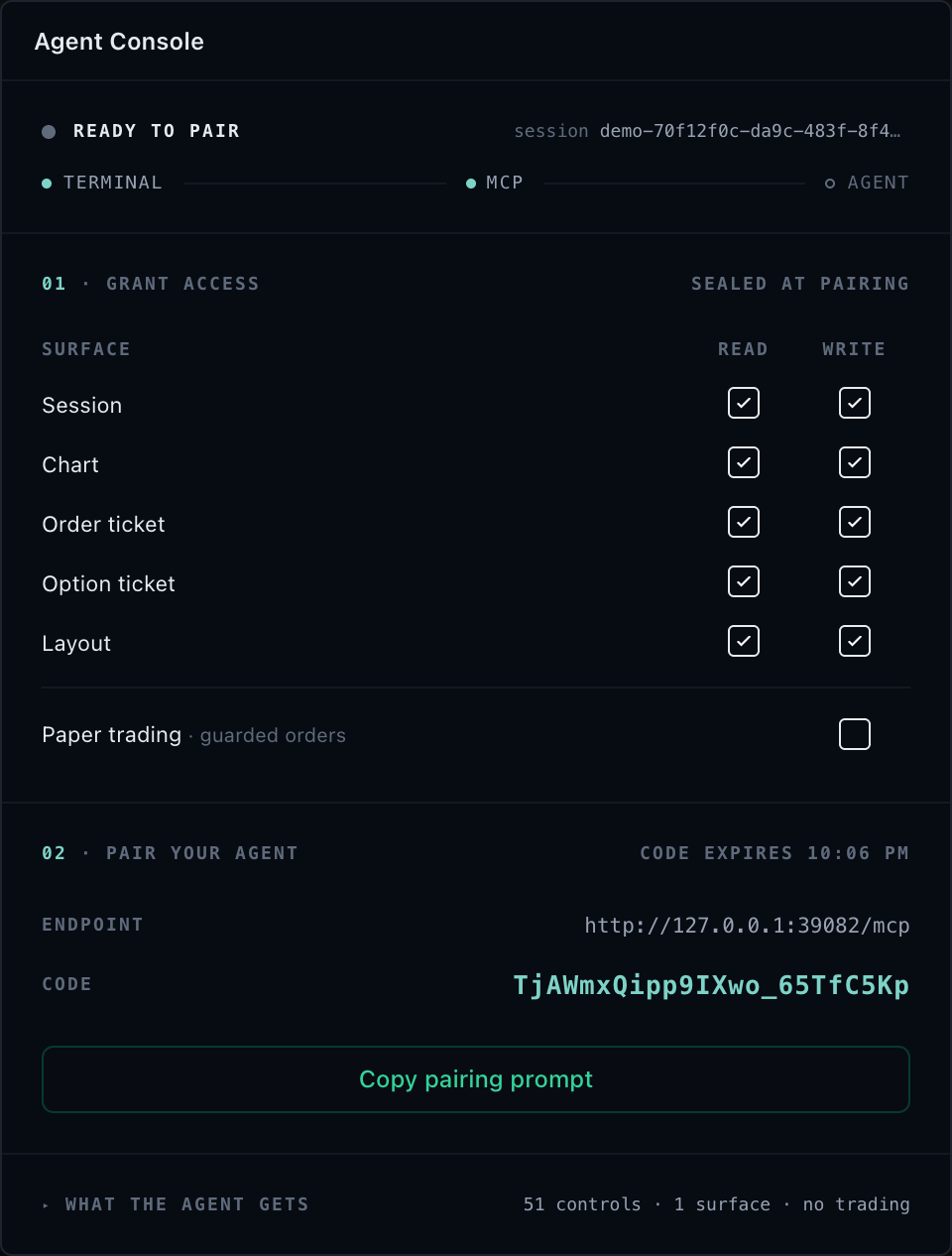
Start at the lowest failing boundary: MCP process, browser pairing, session routing, mounted target, effective control discovery, SDK invocation, controller evidence, then rendered output. Do not repair a missing upstream fact in an agent prompt.
Symptom quick reference
| Symptom | Most likely cause | Fix |
|---|---|---|
| WebMCP tools are not discovered | The browser lacks the registration API, the call is inside an iframe, registration failed, or another exposure owns the document | Feature-detect support, register from the top-level page, inspect the typed registration error, and keep one exposure |
| The MCP server does not start | Wrong Node version, wrong working directory, or client executable misconfiguration | Verify Node 20+, run from the installing project, check stderr diagnostics |
| The sessions resource is empty | The browser never attached, connected to a different server process, or used a mismatched token | Re-attach after surfaces mount and reconnect with the same session-bound token |
| Context reports an unknown session or target | A reload, detach, remount, or layout change invalidated old IDs | Re-read tradescript://sessions and session context; never guess a replacement |
| A control cannot be found | Wrong identity form or an unmounted/unsupported capability | Use catalog controller.method IDs and inspect the unavailable/unclassified ledgers |
| A control is denied or unavailable | Policy, mount, operation-support, or broker-environment intersection excludes it | Check the six independent facts in order; re-attach for a policy change |
| A mutation has a revision conflict | The owning controller changed after the agent read it | Re-read context and submit a new operation only if still correct |
| A financial retry reports duplicate or conflicting identity | Operation ID reused with a different fingerprint | Reuse an ID only for byte-equivalent retries; new intent needs a new ID |
| A batch partially succeeds | tradescript_batch is ordered but non-atomic | Inspect every attributed outcome and reconcile before retrying |
| Events are missing | Wrong channel, dropped buffer, unregistered target, or absent host stream | Subscribe from context-returned channels and recover from current context on drops |
| JSON or snapshot output is too large | Request exceeds bounded transport limits | Filter, page, and bound the request window |
| Controller state changed but pixels did not | Rendering evidence disagrees with controller evidence | Capture state, events, and snapshot for the same target and report the full identity |
| The installed version and reference disagree | The application, MCP server, and documentation use different releases | Align package versions, restart both processes, and rediscover controls |
WebMCP tools are not discovered
- Confirm the AI browser currently exposes
document.modelContext.registerTool. Unsupported browsers makeattachment.exposeWebMcp()resolve toundefined. - Confirm the page is a secure top-level context.
- Call
exposeWebMcp()from the top-level document after attaching the intended SDK adapter. Current browser clients do not discover tools registered only in an iframe. - Keep one active TradeScript exposure per document. A second call rejects with
WEB_MCP_ALREADY_EXPOSED. For a policy or session rotation, callreplacement.exposeWebMcp({ replaceExisting: true })before detaching the old owner. - A final close or detach retires the stable names for that document lifetime. Reload before publishing them again; do not report a retired document as ready.
- Inspect a rejected exposure for
WEB_MCP_REGISTRATION_FAILED. Partial registration is aborted and must not be treated as a usable tool set. - Confirm the attachment was not detached during a route, policy, or component lifecycle change.
Verify: the browser discovers the six stable tradescript_* tools, none of
their input schemas contains sessionId, and a session-target context read
returns the mounted page surfaces.
Escalate: Connect an AI Browser with WebMCP for the page integration
and lifecycle contract.
The MCP server does not start
-
Confirm Node.js 20 or newer:
node --versionExpected output:
v20.0.0or newer. -
Run the server from the project that installed
@tradescript/chart-mcp;--stdiois also accepted:npx tradescript-chart-mcp stdioExpected output on standard error (standard output must contain only MCP JSON-RPC):
[chart-mcp] browser bridge: ws://127.0.0.1:39081/chart-mcp[chart-mcp] pairing token: <generated-token>[chart-mcp] keep the pairing token private; stdout is reserved for MCP JSON-RPC -
Verify the agent host's executable and working-directory configuration.
-
Unless overridden, confirm the browser bridge listens at
ws://127.0.0.1:39081/chart-mcp. -
Do not expose a network listener to work around a local process-path problem.
Verify: the stderr lines above appear and the MCP client's tools/list returns the six universal tools.
Escalate: Connect an MCP Client for the full install sequence and client configuration.
The sessions resource is empty
- Confirm the application called
attachTradeScriptSession(adapter.agentic, ...)after its intended surfaces mounted. TheattachChartWidgetcompatibility wrapper is valid only for its composed widget/chart surfaces. - Confirm the browser connection reaches the same server process used by the MCP client.
- Confirm the browser uses the same session-bound token and session ID. Reconnect reuses both.
- If the token is already bound to another session, preserve the original session for reconnect or start a new local server/token.
- Check loopback host, port, path, and the browser Origin when an exact allowlist is configured.
- Confirm the host did not detach the session or destroy the owning adapter.
Verify: reading tradescript://sessions returns a bounded summary containing your opaque session ID, and connectWebSocket has resolved in the browser.
Escalate: Pair a TradeScript Session for the three-step pairing contract and token rules.
Context reports an unknown session or target
Read tradescript://sessions again, then call tradescript_get_context for { "scope": "session" }. A reload, detach, remount, workspace change, or terminal-layout change can invalidate old chart and widget IDs. Never guess a replacement or silently substitute an active surface.
Verify: the new context response lists the target you intend to operate in availableTargets.
Escalate: Pair a TradeScript Session for target-identity rules after remounts and reloads.
A control cannot be found
Call tradescript_list_controls with the paired sessionId and required exact target. Control IDs use the catalog's explicit controller.method identity; they are not MCP tool names.
Inspect unavailableControls before inferring why a catalog control is absent. Each row preserves the SDK-owned control descriptor, exact reason, and optional detail. Compare unavailableTotal with the returned rows and check unavailableTruncated; set unavailableLimit from 1 through 1000 when more explanation rows are needed. The SDK default is 256.
Treat unclassifiedControls as an integration gap, not as denial evidence.
Report the exact control identity and target to TradeScript support; do not
invent a reason or retry around it. Check unclassifiedTotal and
unclassifiedTruncated using the same bound.
Verify: the control appears in the effective controls page for your target, or its absence is explained by an unavailableControls reason you can act on.
Escalate: MCP Control Reference for catalog identity and Controls and Resources for the discovery contract.
A control is denied or unavailable
Check these independent facts:
- The SDK catalog declares the control for the requested target scope.
- The controller is mounted on that exact target.
- The controller's operation-support authority exposes the method.
- The adapter maximum grants its access class, family, and exact control.
- Surface and attachment policies do not narrow it away.
- For trade controls, broker mode, operation support, and host risk authority match the request.
Changing the attachment policy requires the host to detach and attach the session with the new narrower grant. Do not bypass denial with DOM clicks.
Verify: after the host re-attaches with the corrected policy, tradescript_list_controls lists the control as effective for the same target.
Escalate: MCP Security and Access for the policy-intersection model and trade requirements.
A mutation has a revision conflict
The owning controller changed after the agent read it. Re-read target context and affected objects, compare the new state with the objective, and submit a new operation only when the action is still correct. Repeating the same stale request is unsafe.
Verify: the new call carries the freshly read revision domains and returns a result with matching before revisions. Escalate: Controls and Resources for the revision-safe call contract.
A financial retry reports duplicate or conflicting identity
Reuse an operation ID only for the same target, control, arguments, expected revisions, and origin. The SDK operation ledger deduplicates an identical retry and rejects reuse with a different fingerprint. Generate a new operation ID when the intent changes.
Verify: the retry either returns the deduplicated original result (identical fingerprint) or succeeds under a new operation ID for the changed intent. Escalate: Controls and Resources for operation-identity rules and MCP Security and Access for the financial gating list.
A batch partially succeeds
tradescript_batch is ordered but not atomic. It returns one attributed fulfilled, rejected, or skipped outcome per input. Inspect every item, returned revisions, terminal reason, and the atomic: false marker. Reconcile successful mutations before retrying failed work. Use stopOnError: false only when later calls are independently safe; response-size-limit means the backend stopped before executing the remaining calls.
Verify: every fulfilled mutation has been reconciled against re-read context before any rejected or skipped input is retried. Escalate: Controls and Resources for batch semantics and limits.
Events are missing
- Start subscriptions only with channels returned by context for the same target.
- Preserve the returned subscription and binding IDs and poll from the last sequence.
- If
droppedBeforeSequencesays events were dropped by eviction or projection bounds, re-read current context instead of treating the remaining buffer as complete history. - If list or poll returns a stopped
target-unregisteredtombstone, rediscover mounted targets before subscribing again. - Confirm the host data or controller adapter supplies the stream. MCP does not manufacture missing L1, L2, tape, account, or widget events from pull reads.
- Stop subscriptions no longer in use.
Verify: a fresh poll returns events with contiguous sequences from the last cursor, or context confirms the stream is not supplied by the host adapter. Escalate: Controls and Resources for channel discovery, contracts, and drop semantics.
JSON or snapshot output is too large
Reduce the request, filter discovery, page data reads, bound the event window, or request a smaller image. Defaults cap request JSON at 256 KB, result JSON at 2 MB, and decoded snapshots at 12 MB. Function values, DOM nodes, cycles, non-finite numbers, and non-plain objects are not JSON-safe.
Verify: the bounded retry returns a complete result without resultOmitted or a size-limit marker.
Escalate: Controls and Resources for the full transport-limit list.
Controller state changed but pixels did not
Read target context and poll relevant channels first. Then call tradescript_snapshot for the same explicit target. If state/events disagree with pixels, report the exact control, arguments, revisions, operation ID, session/target identity, and before/after images. Do not claim success from controller state alone.
Verify: SDK state, events, revisions, and the snapshot for the same target agree before declaring the run complete. Escalate: report the full evidence bundle to the integration owner; the evidence fields are defined in Controls and Resources.
The installed version and reference disagree
Confirm which TradeScript versions the integrating application has installed:
npm ls @tradescript/pro @tradescript/chart-mcp
The application and MCP server should use compatible release versions. After aligning them, restart the browser application and MCP process, pair a new session, and call tradescript_list_controls again. The live response is authoritative for that session.
Verify: the installed package versions match the documentation release and live discovery returns the expected control IDs.
Escalate: provide TradeScript support with both package versions, the missing control ID, target, and redacted tradescript_list_controls response.
Next steps
- Controls and Resources — the discovery and invocation model behind most of these symptoms.
- Pair a TradeScript Session — re-establish a session when routing is the failing boundary.
- MCP Security and Access — when a control is denied rather than missing.